86
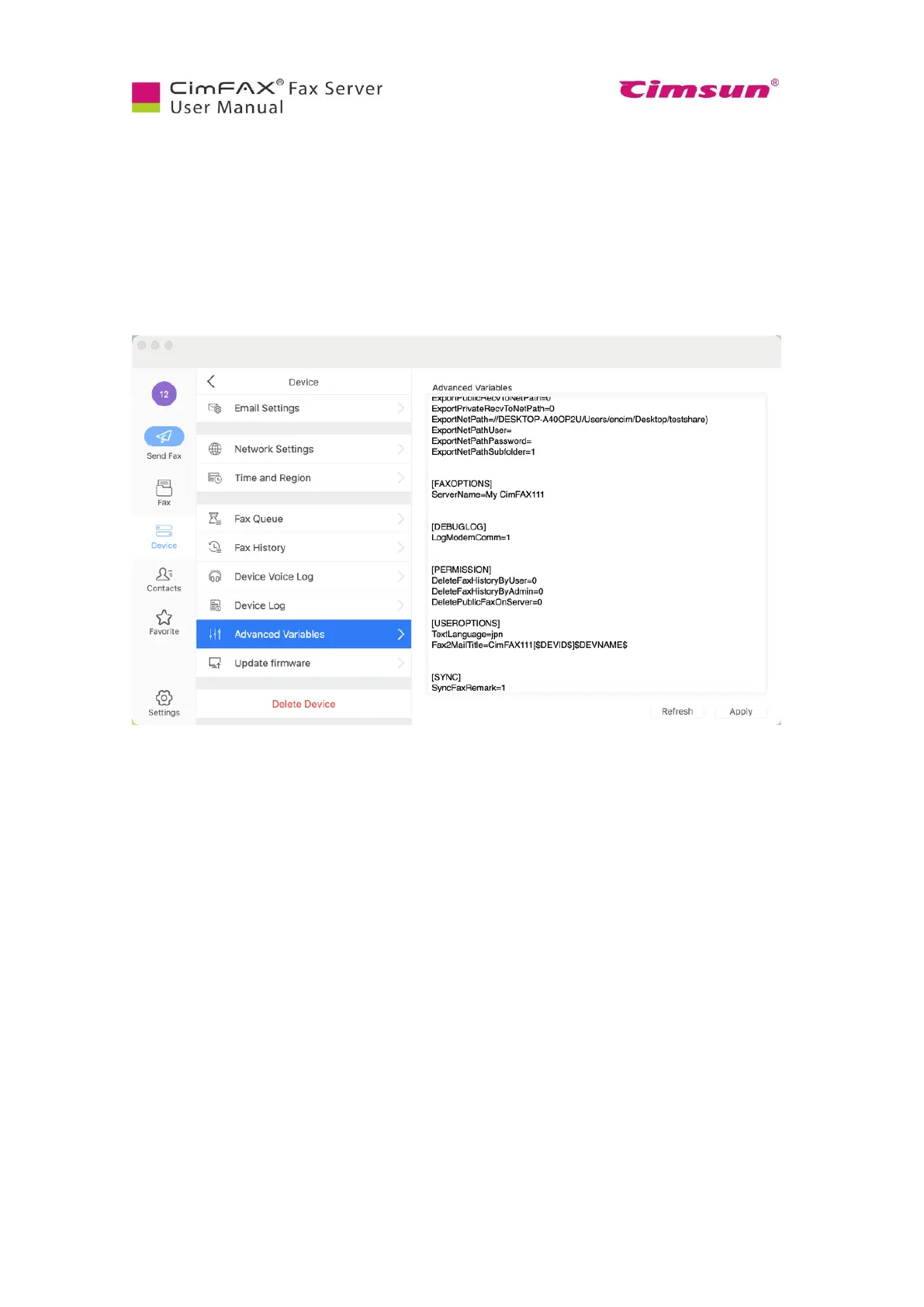
7.11 Add Advanced Variables
Note: Please login as admin account or an account with the permission of “Administer” to add
advanced variables.
If you’d like to 1) have faxes auto saved in your network shared folder without running CimFAX client,
2) change server name, 3) delete faxes permanently, 4) synchronize fax remarks or any other features
that are not currently available, you need to add advanced variables. Contact our tech support in this
case.



 To Next Page