53
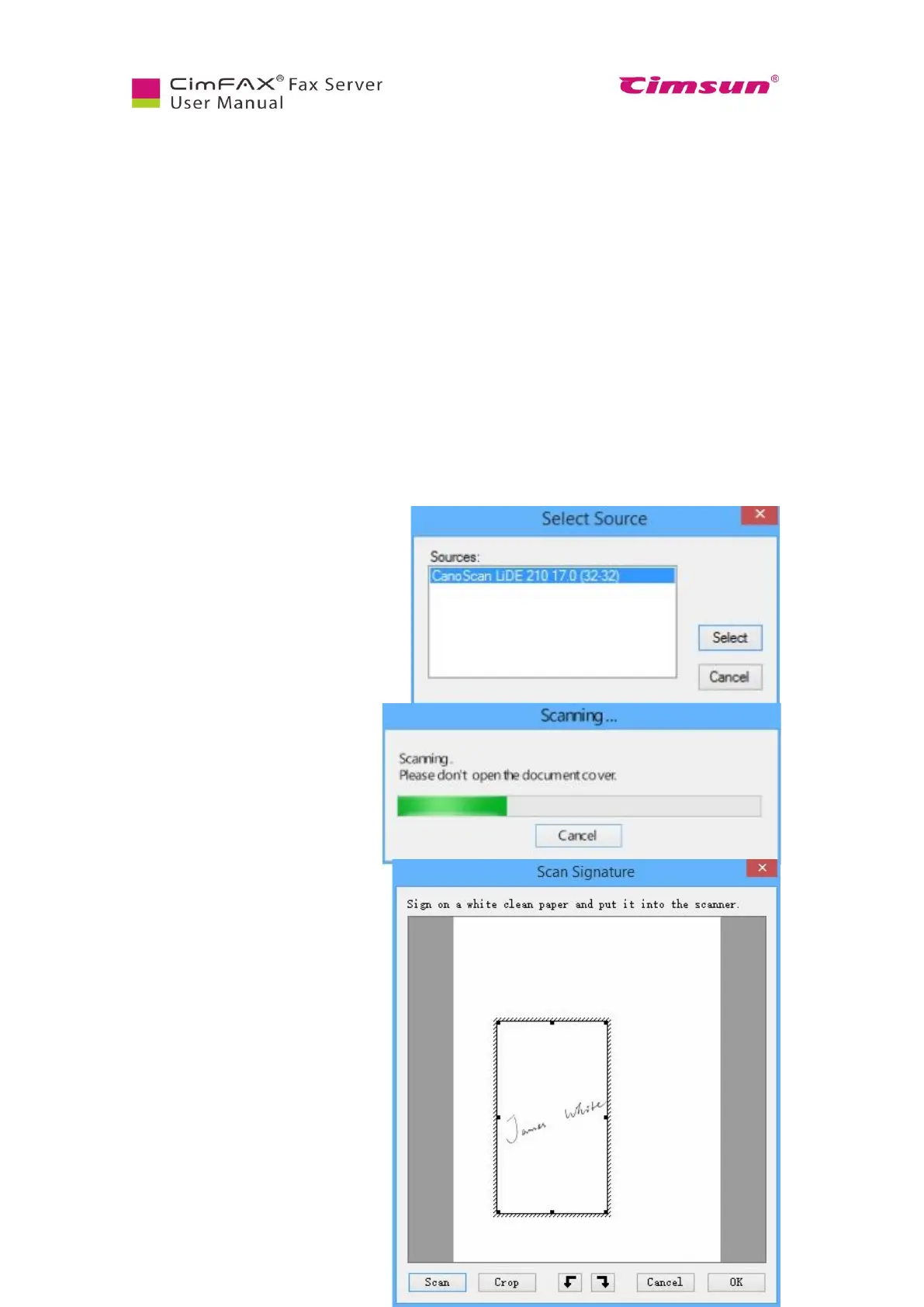
connected to your computer first and then
sign your name or stamp on a white clean paper and put it in
your scanner. Click “Scan”.
Choose the model of your scanner in the
shown list and click “Select”.
The scanner starts to work and the
following progress screen appears.
Progress screen might differ due to
scanners’ model difference. Some
scanner may need some time for
warming up.
A scanning screen will. Drag the box
to the signature and click “Crop”.



 To Next Page