34
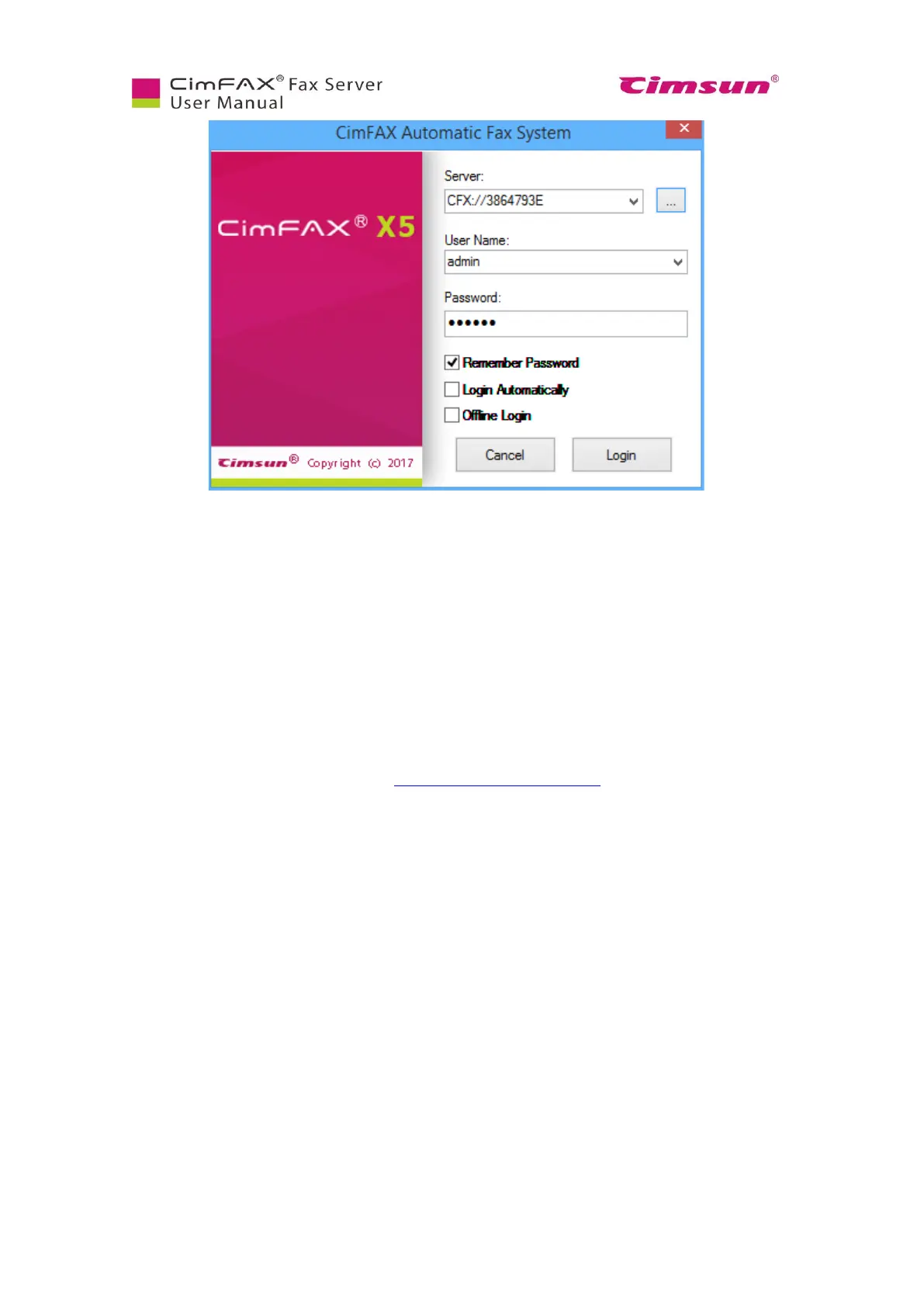
The Server’s default settings are:
● IP address: assigned by DHCP
● Administrator username: admin (in lower case)
● Password: admin (in lower case)
Note: if nothing shows up in the pop-up window when the client tries to auto find CimFAX server, please
check if 1) CimFAX and your computer are on the same router; 2) whether AP isolation on your router is
turned on; 3) whether the lights on CimFAX front panel are in normal working status; 4) whether there’s
IP conflict on your network, i.e., another device is using the IP that’s assigned to CimFAX fax server.
Please refer to troubleshooting guide at https://cimfax.com/service_ts.asp for more solutions or contact
our tech support for step-to-step help.



 To Next Page