13-8
Cisco Catalyst Blade Switch 3130 and 3032 for Dell Software Configuration Guide
OL-12247-04
Chapter 13 Configuring VLANs
Configuring Normal-Range VLANs
Creating or Modifying an Ethernet VLAN
Each Ethernet VLAN in the VLAN database has a unique, 4-digit ID that can be a number from 1 to
1001. VLAN IDs 1002 to 1005 are reserved for Token Ring and FDDI VLANs. To create a normal-range
VLAN to be added to the VLAN database, assign a number and name to the VLAN.
Note With VTP version 1 and 2, if the switch is in VTP transparent mode, you can assign VLAN IDs greater
than 1006, but they are not added to the VLAN database. See the “Configuring Extended-Range
VLANs” section on page 13-11.
For the list of default parameters that are assigned when you add a VLAN, see the “Configuring
Normal-Range VLANs” section on page 13-4.
Beginning in privileged EXEC mode, follow these steps to create or modify an Ethernet VLAN:
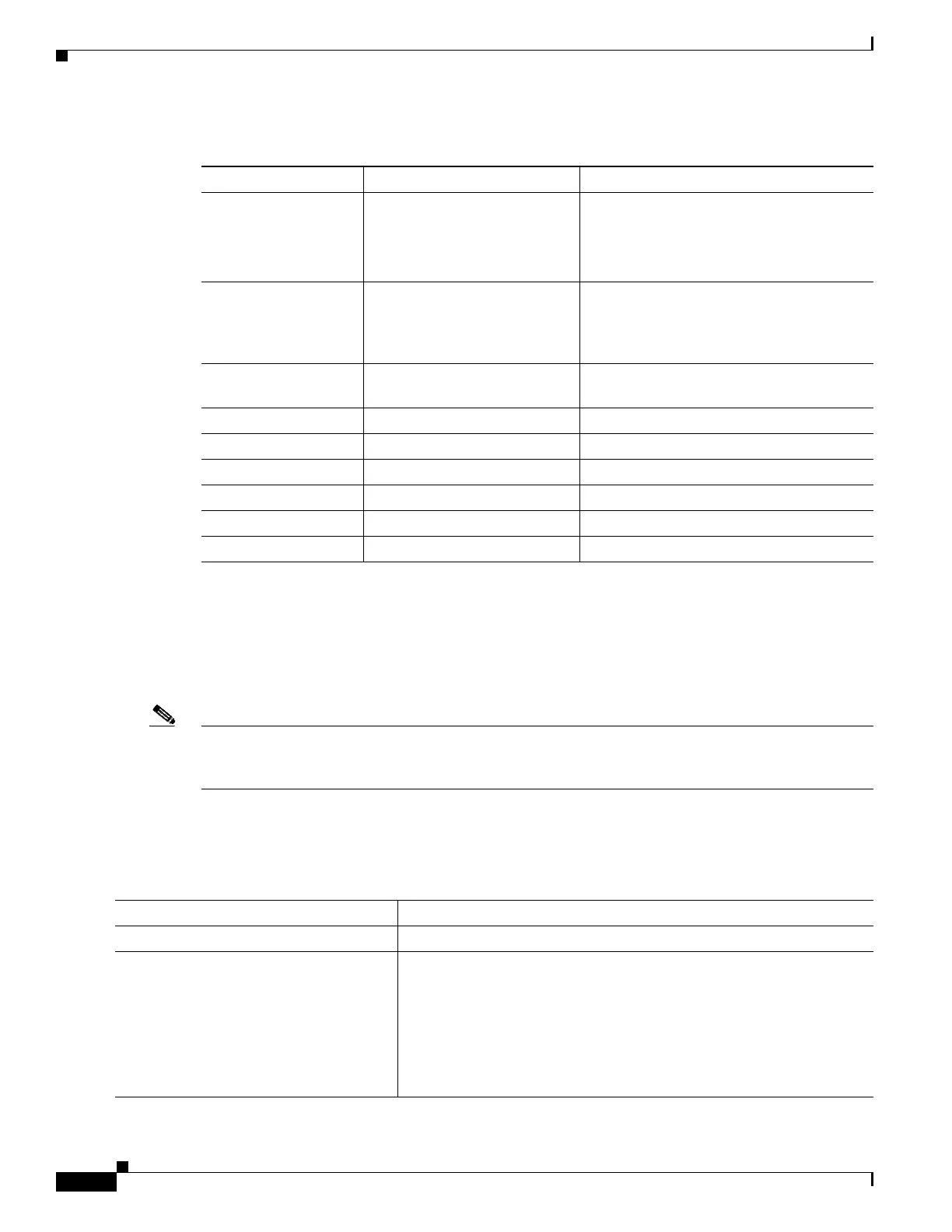
Table 13-2 Ethernet VLAN Defaults and Ranges
Parameter Default Range
VLAN ID 1 1 to 4094.
Note Extended-range VLANs (VLAN
IDs 1006 to 4094) are not saved in
the VLAN database.
VLAN name VLANxxxx, where xxxx
represents four numeric digits
(including leading zeros) equal
to the VLAN ID number
No range
IEEE 802.10 SAID 100001 (100000 plus the
VLAN ID)
1 to 4294967294
MTU size 1500 1500 to 18190
Translational bridge 1 0 0 to 1005
Translational bridge 2 0 0 to 1005
VLAN state active active, suspend
Remote SPAN disabled enabled, disabled
Private VLANs none configured 2 to 1001, 1006 to 4094.
Command Purpose
Step 1
configure terminal Enter global configuration mode.
Step 2
vlan vlan-id Enter a VLAN ID, and enter VLAN configuration mode. Enter a new
VLAN ID to create a VLAN, or enter an existing VLAN ID to modify
that VLAN.
Note The available VLAN ID range for this command is 1 to 4094.
For information about adding VLAN IDs greater than 1005
(extended-range VLANs), see the “Configuring
Extended-Range VLANs” section on page 13-11.



 To Next Page