36-28
Cisco Catalyst Blade Switch 3130 and 3032 for Dell Software Configuration Guide
OL-12247-04
Chapter 36 Configuring QoS
Configuring Auto-QoS
Auto-QoS Configuration Example
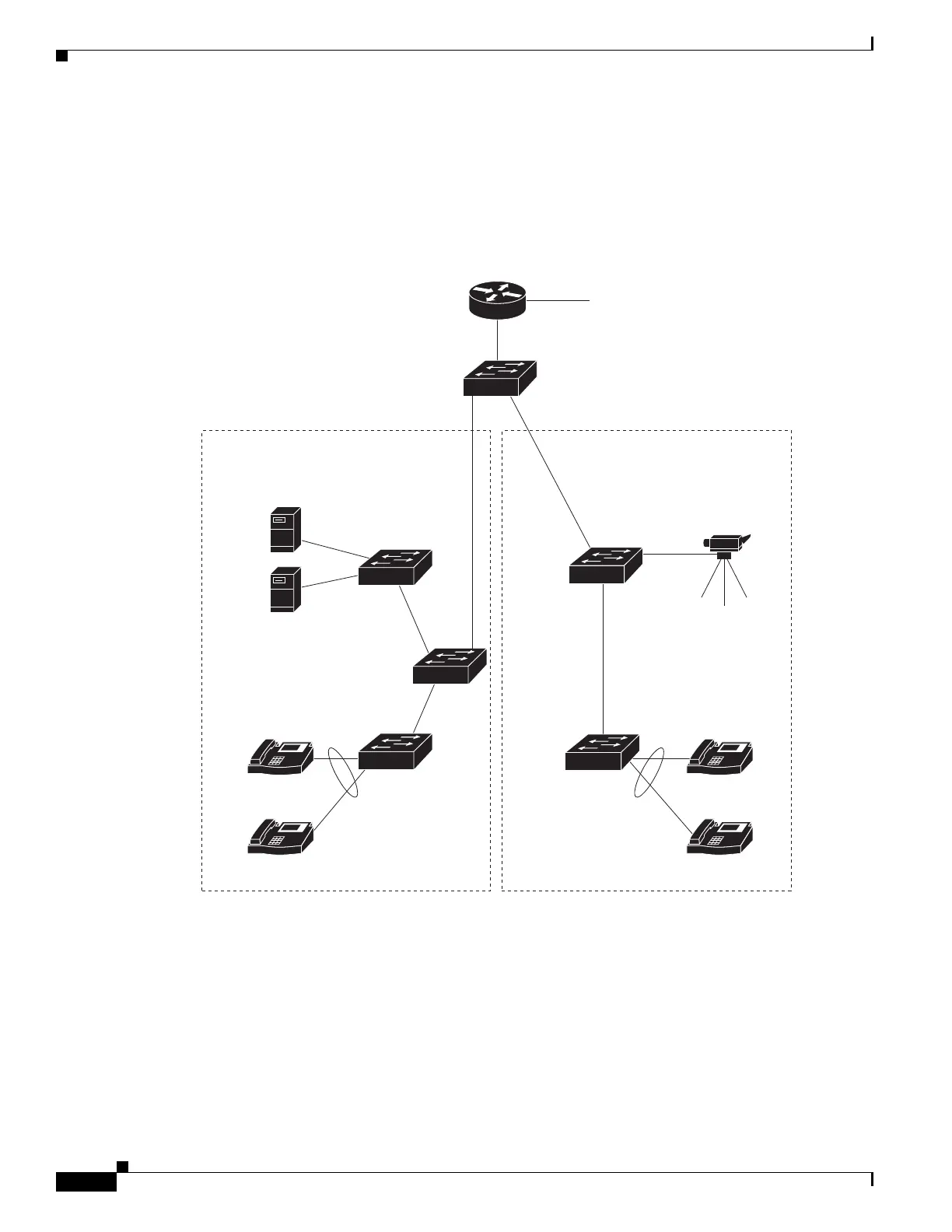
This section describes how you could implement auto-QoS in a network, as shown in Figure 36-11. For
optimum QoS performance, enable auto-QoS on all the devices in the network.
Figure 36-11 Auto-QoS Configuration Example Network
Figure 36-11 shows a network in which the VoIP traffic is prioritized over all other traffic. Auto-QoS is
enabled on the switches in the wiring closets at the edge of the QoS domain.
201780
Cisco router
To Internet
Cisco
Blade
switch
Tr un k
link
Tr un k
link
Cisco IP phones
Blade servers
Cisco IP phones
Video server
172.20.10.16
IP
IP
IP
IP
Identify this interface
as connected to a
trusted switch or router
Identify this interface
as connected to a
trusted switch or router
Identify these
interfaces as
connected to
IP phones
Identify these
interfaces as
connected to
IP phones



 To Next Page