32-61
Cisco 7600 Series Router Cisco IOS Software Configuration Guide—12.1E
78-14064-04
Chapter 32 Configuring PFC QoS
Configuring PFC QoS
Mapping CoS Values to Standard Transmit-Queue Thresholds
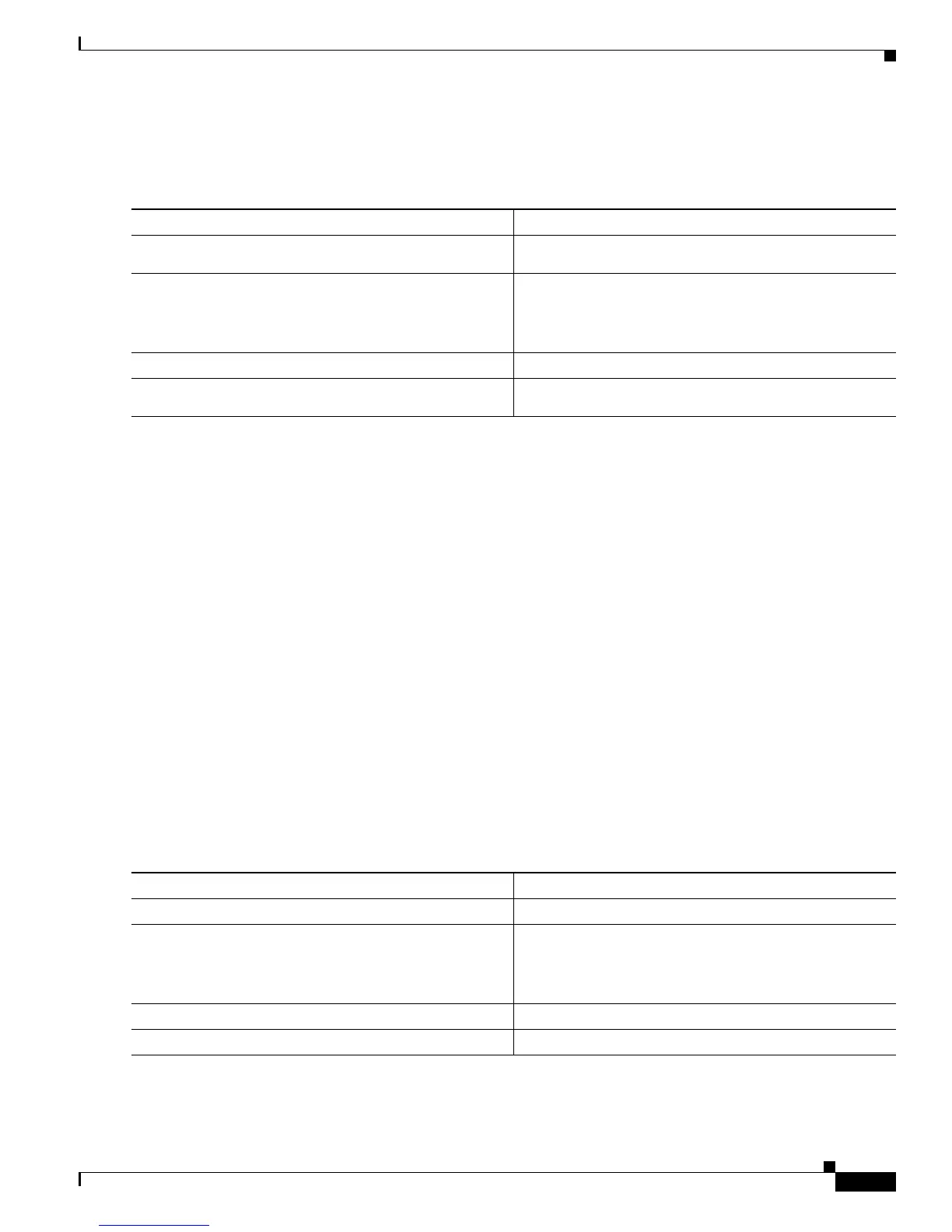
To map CoS values to standard transmit-queue thresholds, perform this task:
This example shows how to map the CoS values 0 and 1 to standard transmit queue 1/threshold 1 for Fast
Ethernet port 5/36:
Router# configure terminal
Enter configuration commands, one per line. End with CNTL/Z.
Router(config)# interface fastethernet 5/36
Router(config-if)# wrr-queue cos-map 1 1 0 1
Router(config-if)# end
Router#
This example shows how to verify the configuration:
Router# show queueing interface fastethernet 5/36 | begin queue thresh cos-map
queue thresh cos-map
---------------------------------------
1 1 0 1
1 2 2 3
2 1 4 5
2 2 6 7
<...Output Truncated...>
Router#
Mapping CoS Values to Strict-Priority Queues
To map CoS values to the receive and transmit strict-priority queues, perform this task:
Command Purpose
Step 1
Router(config)# interface {fastethernet |
gigabitethernet} slot/port
Selects the interface to configure.
Step 2
Router(config-if)# wrr-queue cos-map
transmit_queue_# threshold_# cos1 [cos2 [cos3
[cos4 [cos5 [cos6 [cos7 [cos8]]]]]]]
Maps CoS values to a standard transmit-queue threshold.
Router(config-if)# no wrr-queue cos-map
Reverts to the default mapping.
Step 3
Router(config-if)# end
Exits configuration mode.
Step 4
Router# show queueing interface {fastethernet |
gigabitethernet} slot/port
Verifies the configuration.
Command Purpose
Step 1
Router(config)# interface type
1
slot/port
1. type = fastethernet, gigabitethernet, or tengigabitethernet
Selects the interface to configure.
Step 2
Router(config-if)# priority-queue cos-map queue_#
cos1 [cos2 [cos3 [cos4 [cos5 [cos6 [cos7
[cos8]]]]]]]
Maps CoS values to the receive and transmit
strict-priority queues.
Router(config-if)# no priority-queue cos-map
Reverts to the default mapping.
Step 3
Router(config-if)# end
Exits configuration mode.
Step 4
Router# show queueing interface type
1
slot/port
Verifies the configuration.








 To Next Page