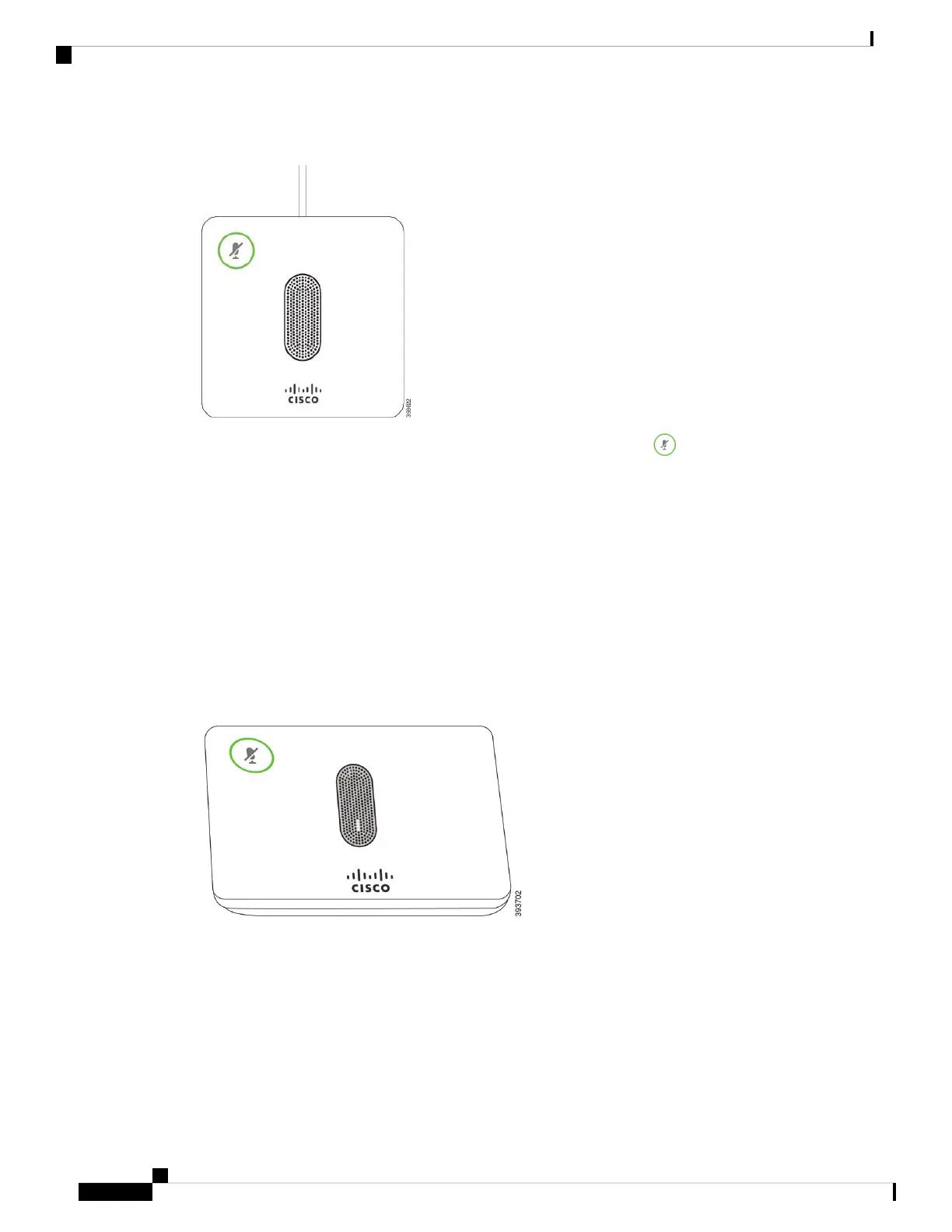
Figure 7: Wired Expansion Microphone
When you're in a call, the expansion microphone LED around the Mute button is green.
When you mute the microphone, the LED is red. When you press the Mute button, the phone and the expansion
microphones are muted.
Related Topics
Install the Wired Expansion Microphones, on page 10
Wireless Expansion Microphone
The Cisco IP Conference Phone 8832 supports two expansion wireless microphones, available with a charging
cradle in an optional kit. When the wireless microphone is placed on the charging cradle for charging, the
LED on the cradle is lit white.
Figure 8: Wireless Microphone
Cisco IP Conference Phone 8832 Multiplatform Phone User Guide
20
Your Phone
Wireless Expansion Microphone















 To Next Page