Answer a Call
Procedure
Press Answer.
Answer Call Waiting on Your Conference Phone
When you're on an active call, you know that a call is waiting when you hear a single beep and see a message
on the conference phone screen.
Procedure
Press Answer.
Decline a Call
You can send a ringing call to your voicemail system (if configured) or to a preset phone number. If not set
up, the call is rejected and the caller hears a busy tone.
Silence an Incoming Call
You can silence an incoming call when you are busy and don't want to be disturbed. The phone stops ringing,
but you get a visual alert, and, can answer the phone call.
Before you begin
Your administrator configures the Ignore softkey on your phone.
Procedure
Silence the incoming call by any of the methods:
• Press the Ignore softkey. When you press this softkey, the softkey disappears from the phone screen,
and is restored again during the next incoming call.
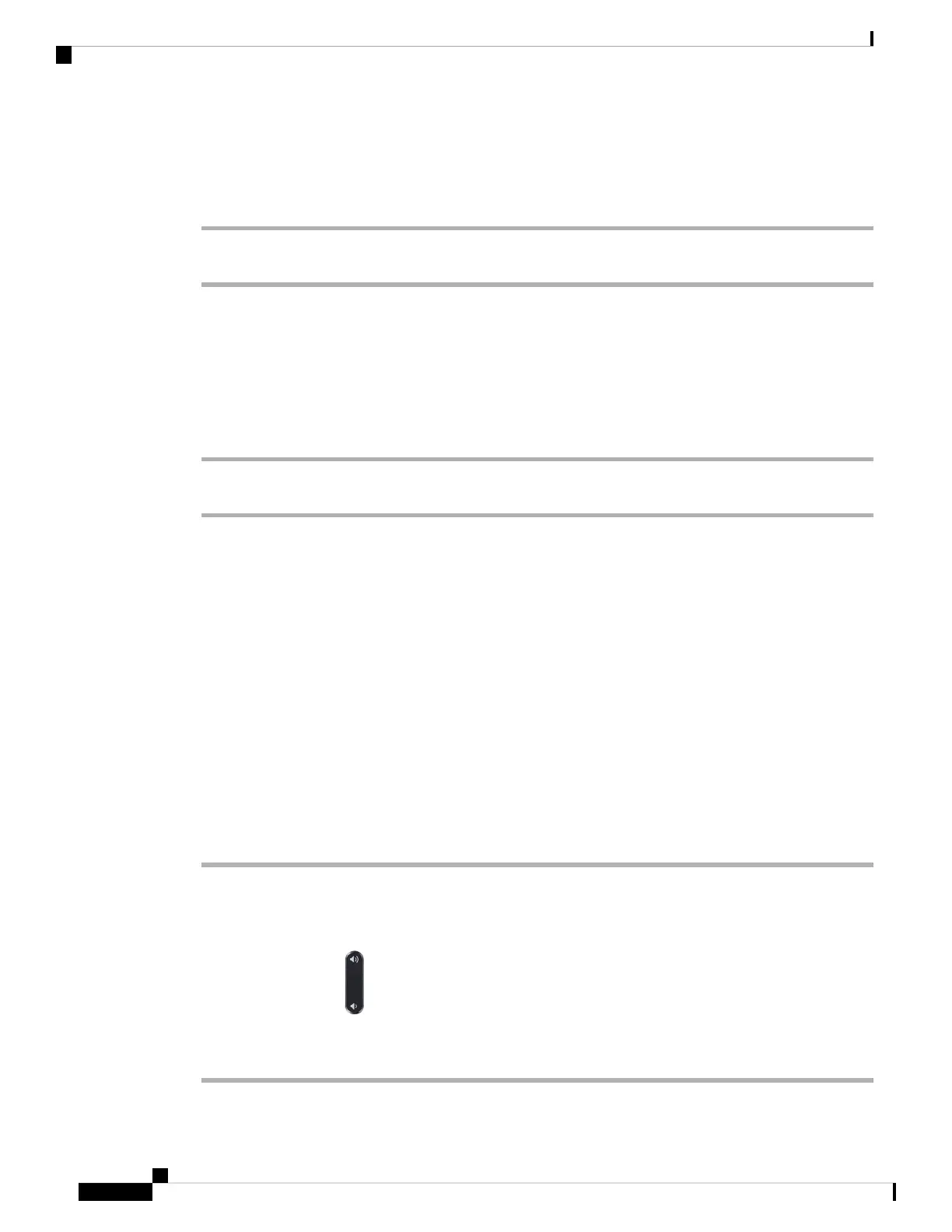
• Press the Volume button down. If you press this button again, the ringer volume decreases.
The ringer volume is restored during the next incoming call.
Cisco IP Conference Phone 8832 Multiplatform Phone User Guide
34
Calls
Answer a Call














 To Next Page