64
Cable and Connectors
Connector Specifications
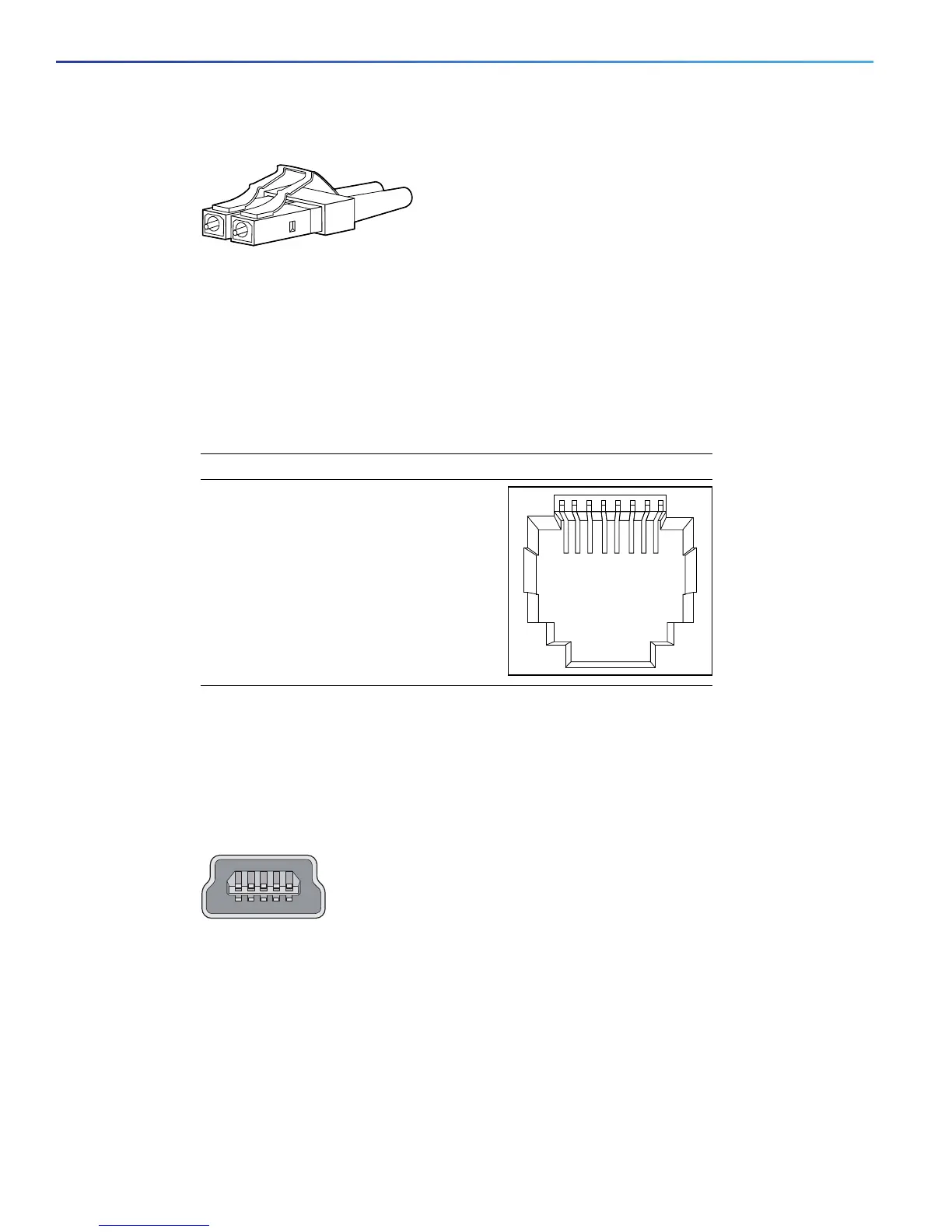
Figure 25 Fiber-Optic SFP Module LC Connector
Warning: Invisible laser radiation may be emitted from disconnected fibers or connectors. Do not stare into beams
or view directly with optical instruments. Statement 1051
Dual-Purpose Ports
The 10/100/1000 Ethernet ports on the dual-purpose ports use RJ-45 connectors. Figure 2610/100/1000 Port Pinouts,
page 64 shows the pinouts.
Figure 26 10/100/1000 Port Pinouts
Console Port
The switch has two console ports: a USB 5-pin mini-Type B port on the front panel (see Figure 27 on page 64) and an
RJ-45 console port on the rear panel.
Figure 27 USB Mini-Type B Port
The USB console port uses a USB Type A to 5-pin mini-Type B cable, shown in Figure 28USB Type A-to-USB 5-Pin
Mini-Type B Cable, page 65. The USB Type A-to-USB mini-Type B cable is not supplied. You can order an accessory
kit (part number 800-33434) that contains this cable.
Note: When running Linux, access the USB Console using Minicom instead of Screen.
60915
231 45678Pin Label
1
2
3
4
5
6
7
8
TP0+
TP0-
TP1+
TP2+
TP2-
TP1-
TP3+
TP3-
253163


 To Next Page
 Loading...