42 Clare Controls IP Network Camera User Guide
BLC area: BLC area is the sense of the light intensity; Close, Up, Down, Left, Right,
and Center are selectable.
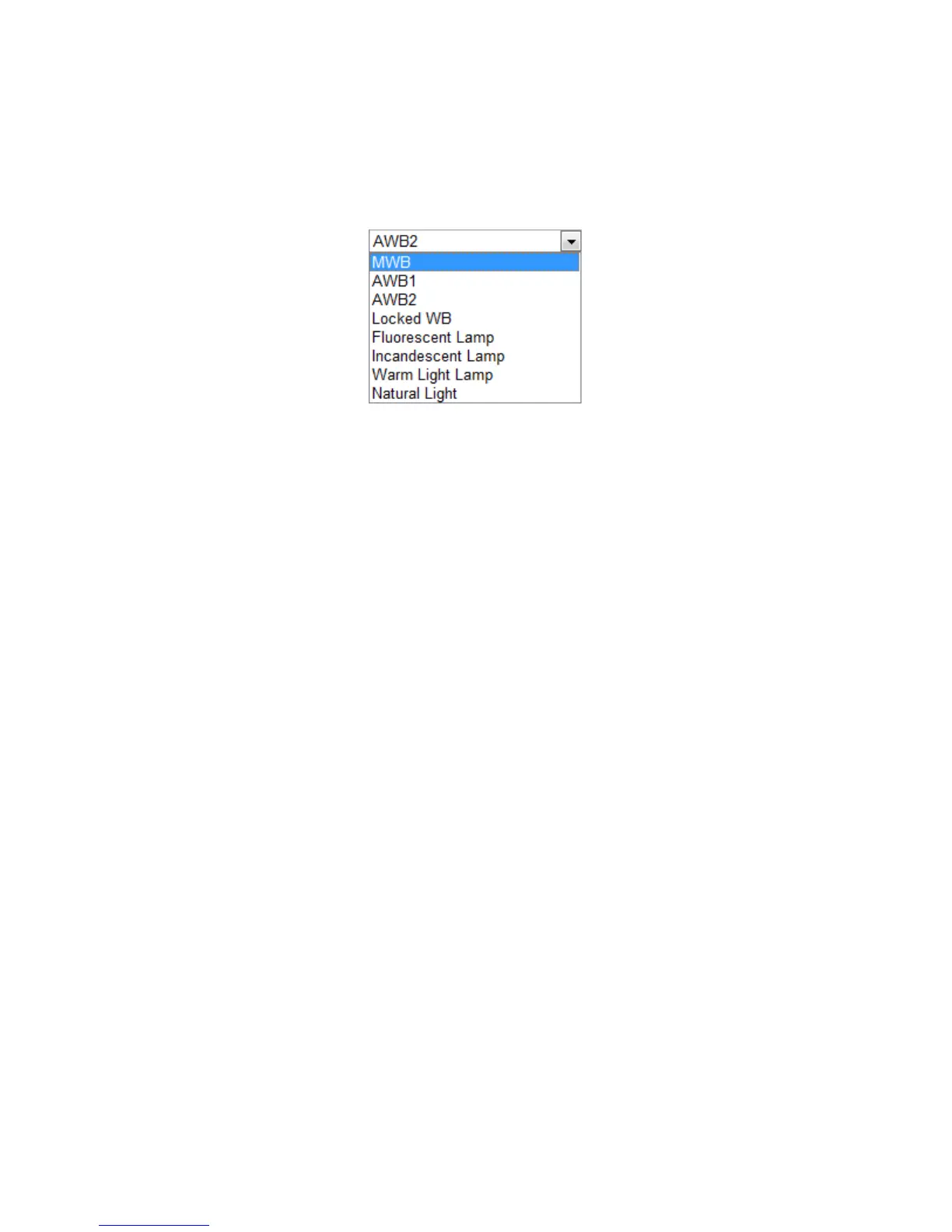
White balance: The below figure shows the white balance options. Select according
to the real condition. For example, if there is a fluorescent lamp in the surveillance
scene, select the white balance type as Fluorescent Lamp.
Digital noise reduction: Close, Normal, and Expert Mode are selectable.
Noise reduction level: Adjusts the noise reduction level. This is only valid when the
DNR function is enabled.
Scene mode: Select indoor or outdoor.
HLC: The high light compression function can be used when there are strong lights
in the scene which affect the image quality.
Grey Scale: You can choose the range of the grey scale as [0 to 255] or
[16 to 235].
Corridor mode: To use of the 16:9 aspect ratio, enable the corridor mode when you
use the camera in a narrow view scene.
Note: When installing, turn the camera to the 90 degrees or rotate the 3-axis lens to
90 degrees, and then set the corridor mode as on. You will get a normal view of the
scene with 9:16 aspect ratio.



 To Next Page