Chapter 3 Using the Tester
Introduction
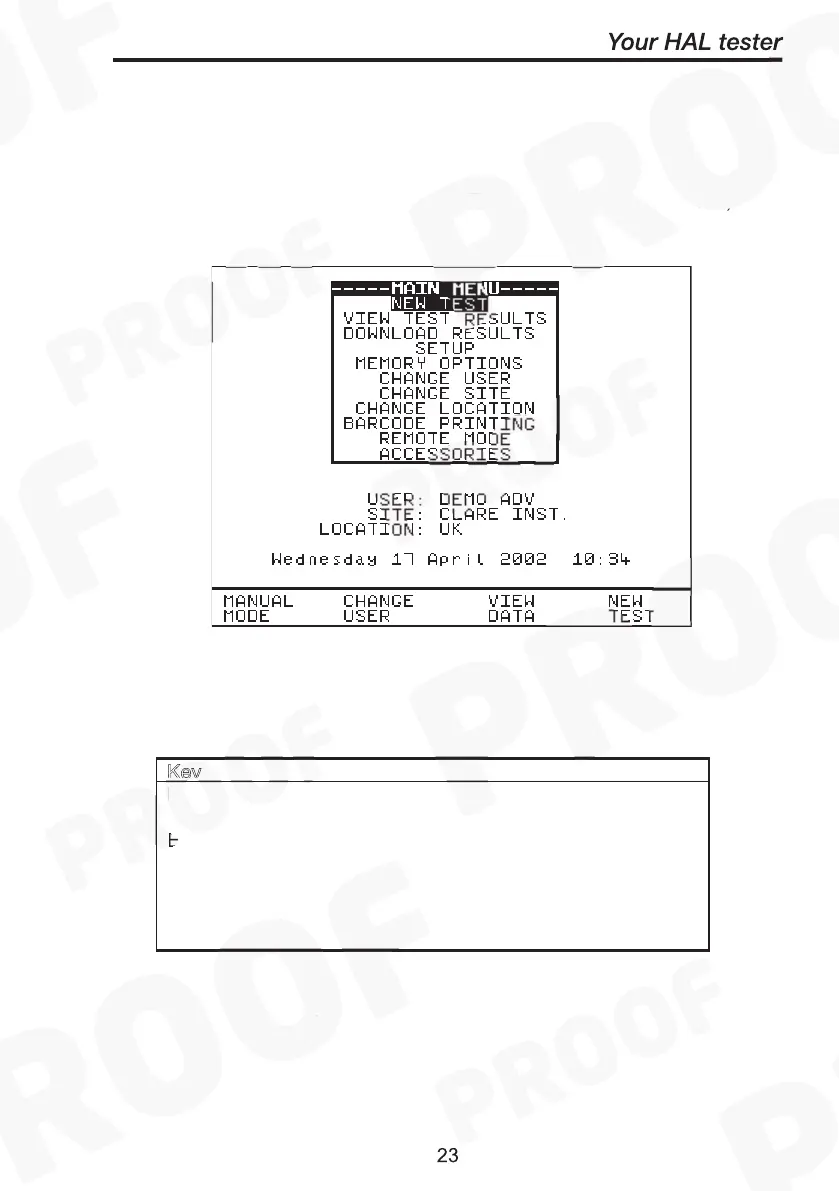
Once the start-up procedure of the Tester has been completed, the
following screen will appear: -
Navigation through the menus is by dedicated keys: -
Encoder Cursor Ri
ht
Cursor Down
Encoder anti- Cursor Left
Cursor Up
‘Red’ Button No / Abort / move back through menu
‘Green’ Button Yes/Start/Enter/Execute
There are also the four Fast keys under the LCD whose action will
change depending on the function of the Tester at any particular point.



 To Next Page