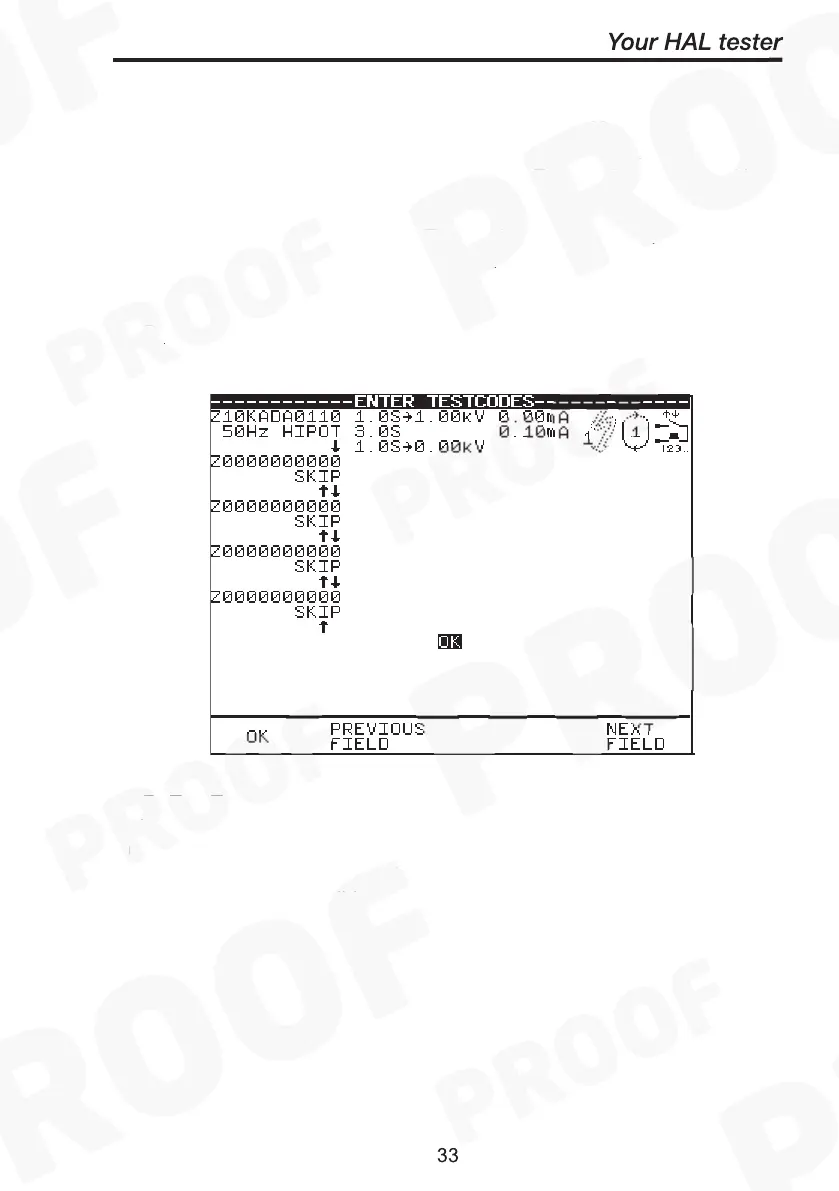
This option bypasses the need to edit a specific test sequence,
allowing direct entry of a Test code through the barcode scanner. From
the Select Test Setting menu choose Use Test codes or press Use
Tcodes fast key.
Use the encoder to highlight the Test code sequence (up to 5 levels) to
be changed and use a barcode scanner to enter in a Test code.
Press OK to accept & save Test code option.
OR press the Red button to abort and return to the previous menu.
NB: The Test code numbers can also be changed using the encoder.
First highlight the test code to be edited, press Green button to bring
up the alpha-numeric options on the screen. Use Rotate cursor & Insert
keys to enter any combination of test codes sequence. However
incorrect test codes will be rejected and activate a warning. See Test
code tables for details.



 To Next Page