How to perform Automatic Tests
: In order to prevent any unwarranted safety hazards
occurring during testing, ensure that the appropriate test
conditions are set in accordance to requirements. Proper safety
procedures must be in place before performing any Automatic test.
It is important to establish the setup of the current or default test
settings in relation to the test conditions formatted. To check or edit
these parameters select Setup and then System Configuration.
To perform automatic tests, press New Test fast key or use the
encoder to highlight the New Test option on the Main Menu and press
Green to display the following menu: -
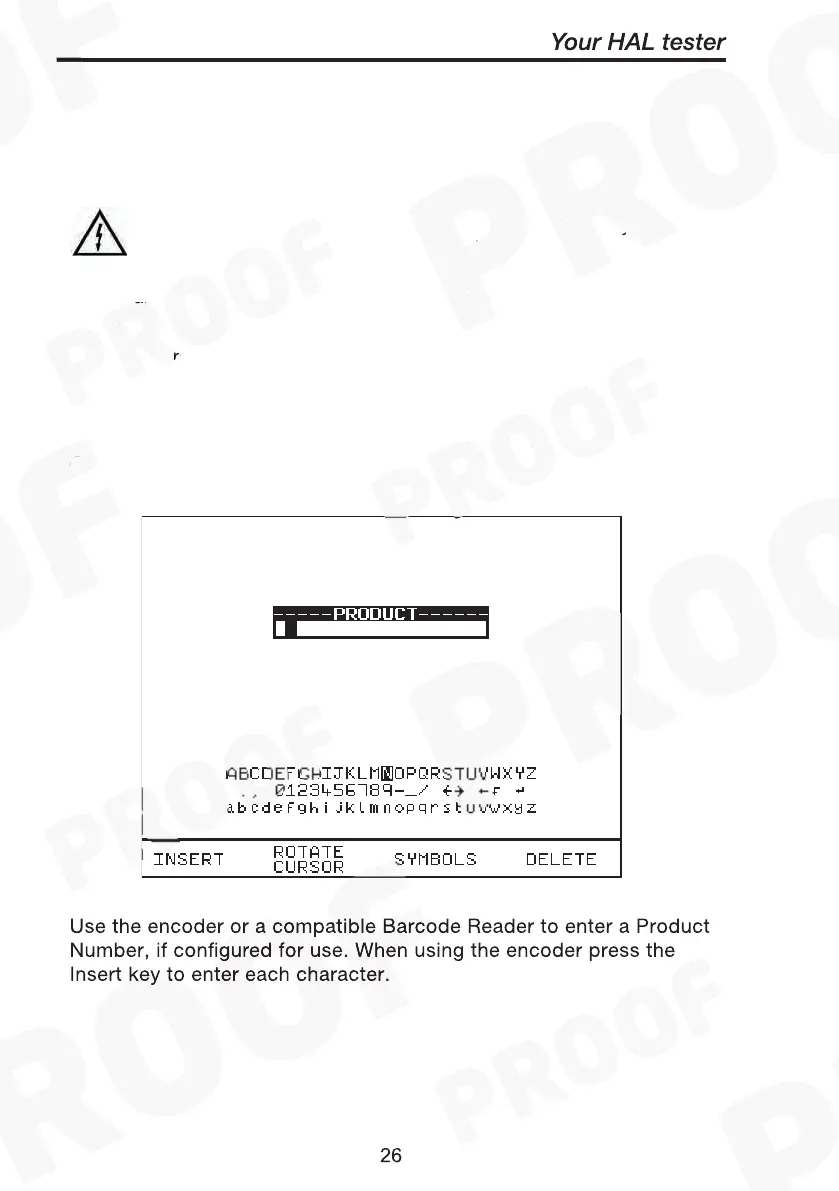
Use the encoder or a compatible Barcode Reader to enter a Product
Number. When using the encoder press the Insert key to enter each
character.
Note
See Chapter 4 for tips on using barcodes.



 To Next Page