Op
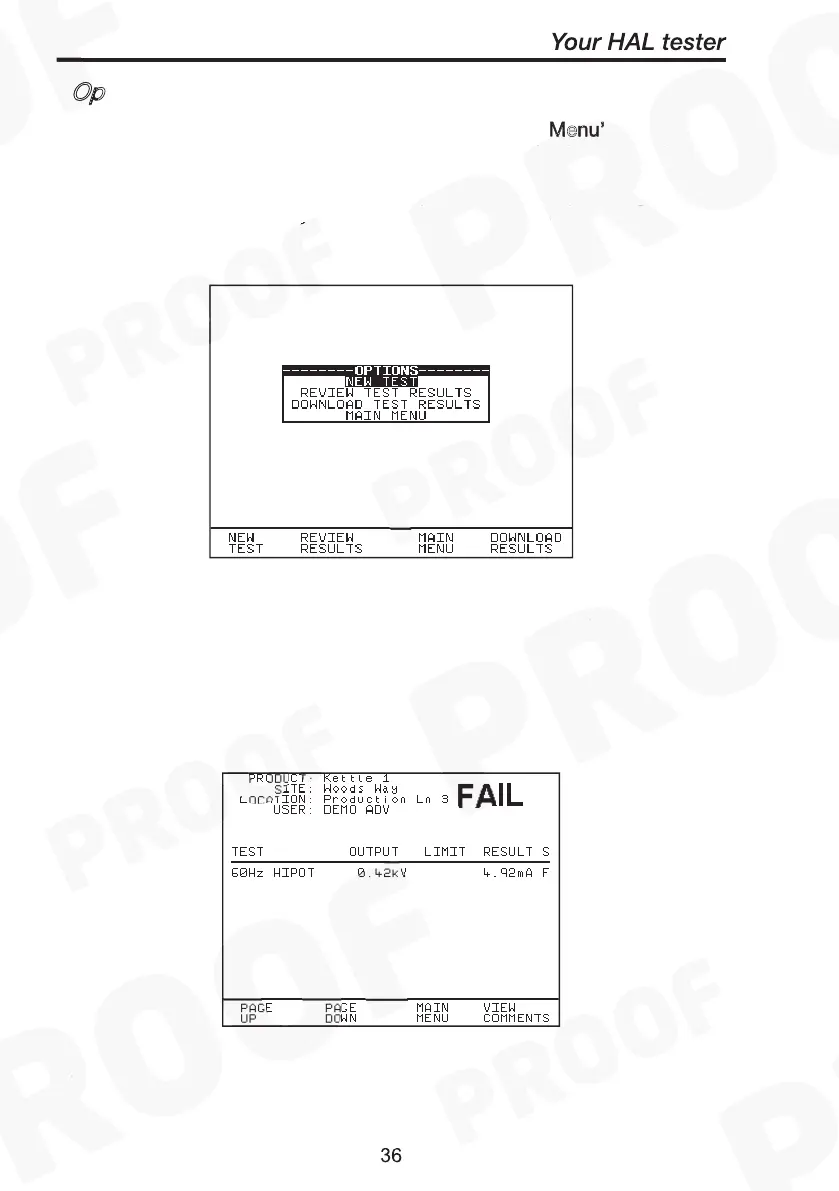
The options menu is selected by entering ‘After Test: Menu’ in the
System Configuration Setup. With this option the following screen is
displayed when an Automatic sequence has been completed.
Use the cursor keys to highlight an option after test and press Green to
select the desired option.
New Test
This is to perform a new test. Enter in the product number will begin
the test.
Review Test Results
This option displays the results from the test in tabular form: -
Select View Comments fast key will display the comments stored.
Use the Red button to return to the previous menu.



 To Next Page