How to use Help
Help provided to the User
A description of how to connect the test leads and perform the test is
provided in a step-by-step format.
The Tester is provided with an on-line help function, which can be
called up at during the test screens by pressing the Help fast key.
Each test will have three or four help pages depending on connection
information.
Help provided to
t
The Help function provides the following information: -
Description of Test
The first help page shown contains information on the particular test,
including its icon and a description of the purpose of the test.
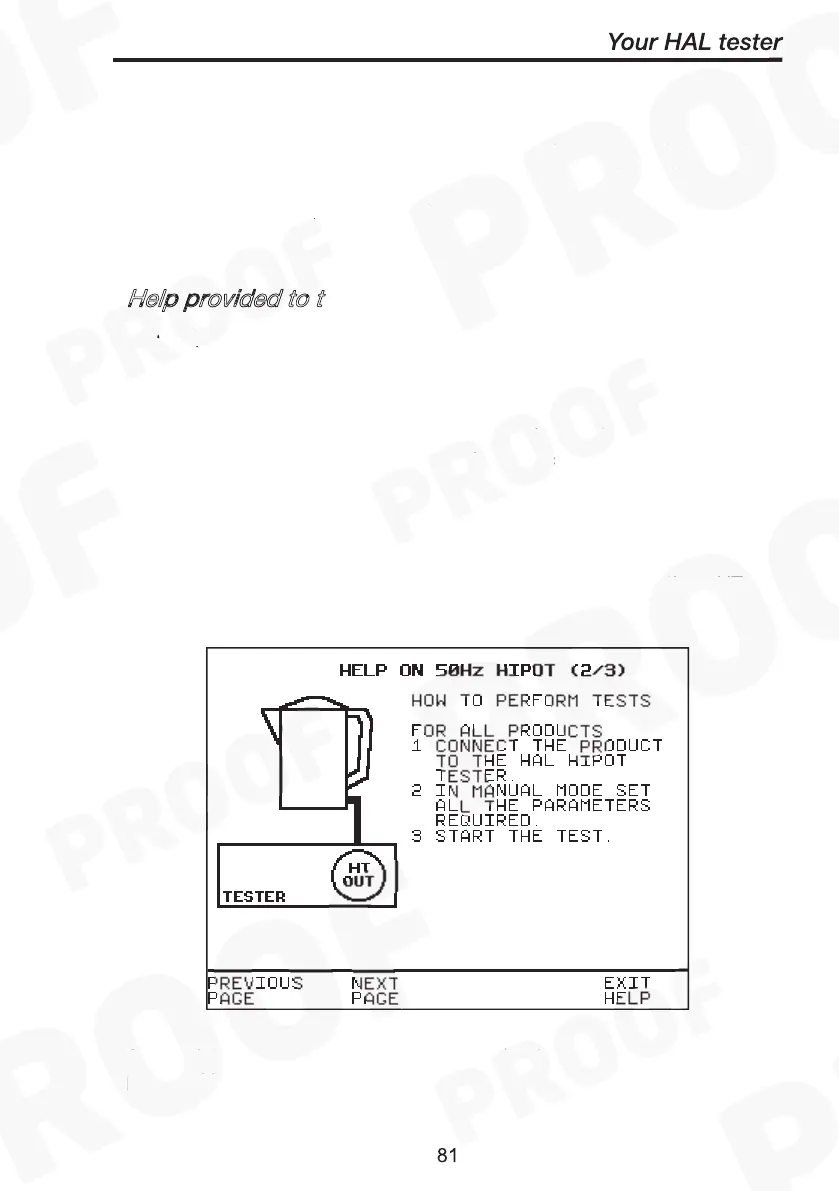
How to Perform Tests
The second page of information describes how the Tester performs the
test. A diagram showing how to connect the Tester to the EUT is
included. An example for the Insulation test is shown below: -
How to use Help
Help provided to the User



 To Next Page