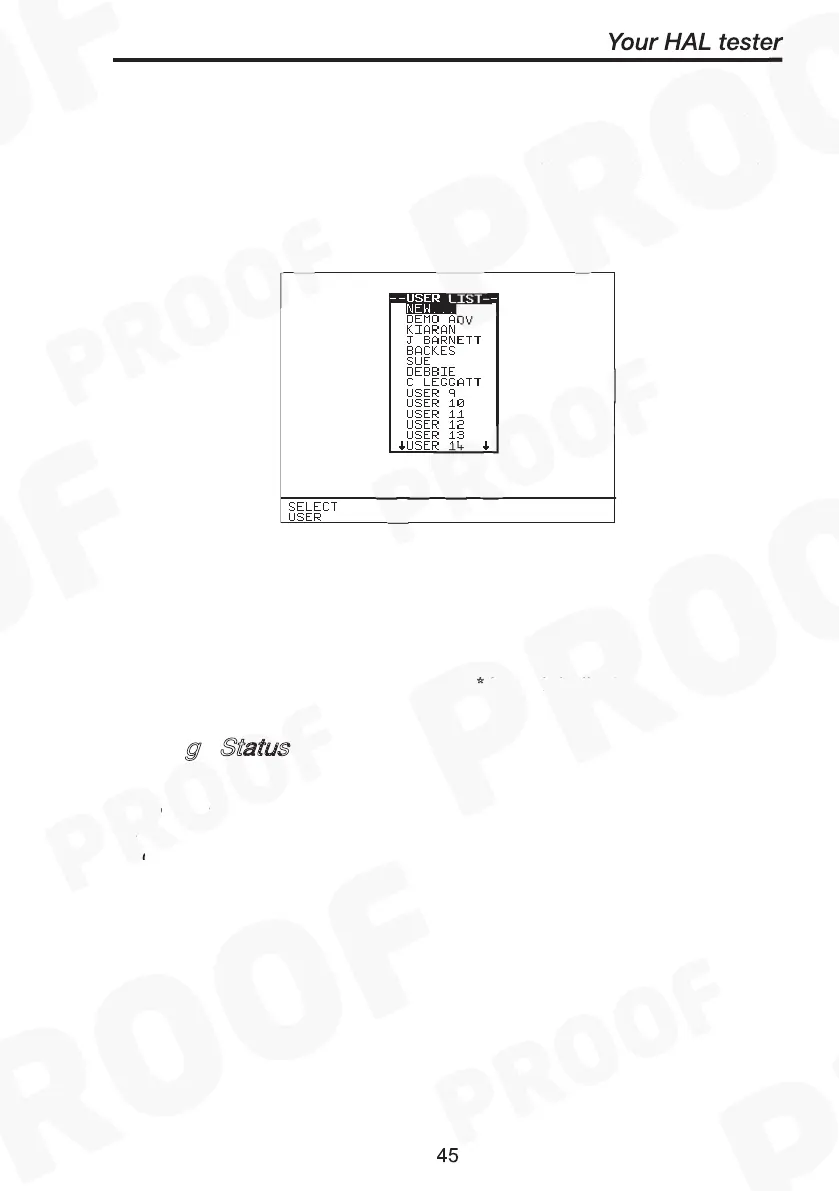
Search result through User Name
Search for Data
Test Status
When Test Status is highlighted use the Green button to select the
option required, each time you press Green a different option will be
displayed. This can be PASS, FAIL or ‘ *
’ which indicates both.
g
Status
When Storage Status is highlighted use the green button to select the
option required, every time you press Green a different option will be
displayed. This can be NORMAL status, DELETED status or ‘ *
’ which
indicates both.
Search result through User Name
At the S
menu highlight User and press Green to display
the User list. Highlight the User name to which previously the products
could have been tested on and press Select User. Back at the search
menu press Start Search to begin. A search results will be displayed.
Test Status
*
Storage Status
*
Search result through User Name
Search for Data
Test Status
*
Storage Status
*



 To Next Page