Sea
rch result through Site Name
At the S
menu highlight S
and press Green to display
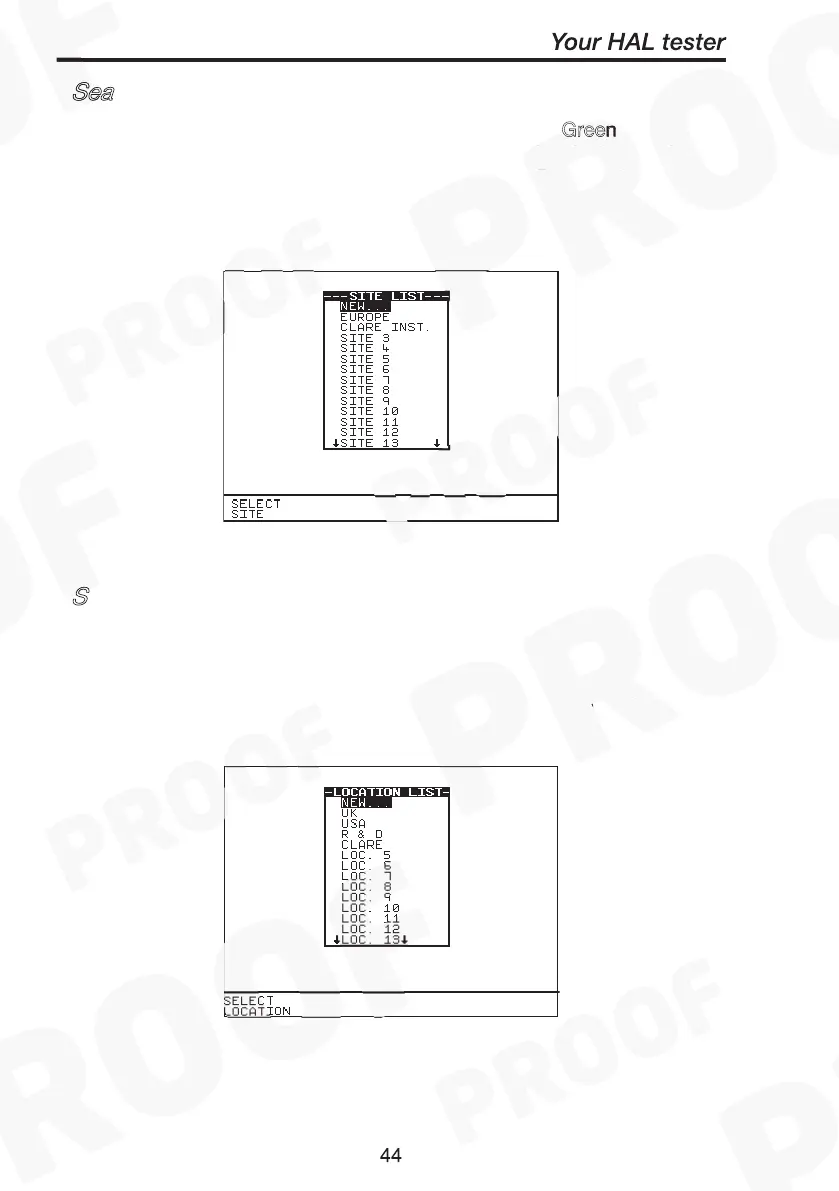
the site list. Highlight the Site name to which previously the products
could have been tested on and press Select Site. Back at the search
menu press S
to begin. A search results will be displayed.
Search result through Location Name
Search for Data
Search result through Site Name
Search for Data Site Green
Start Search
Search result through Location Name
Search for Data
Search result through Site Name
Search for Data Site Green
Start Search
S
earch result through Location Name
At the S
menu highlight Location and press Green to
display the location list. Highlight the Location name to which
previously the products could have been tested on and press Select
Location. Back at the search menu press Start Search to begin. A
search results will be displayed.
Search result through Site Name
Search for Data Site Green
Start Search
Search result through Location Name
Search for Data



 To Next Page