Note
If you change the name of the user during testing all of the
previous tests will still be referenced to the old user name; this
gives unlimited amounts of users within memory.
Name
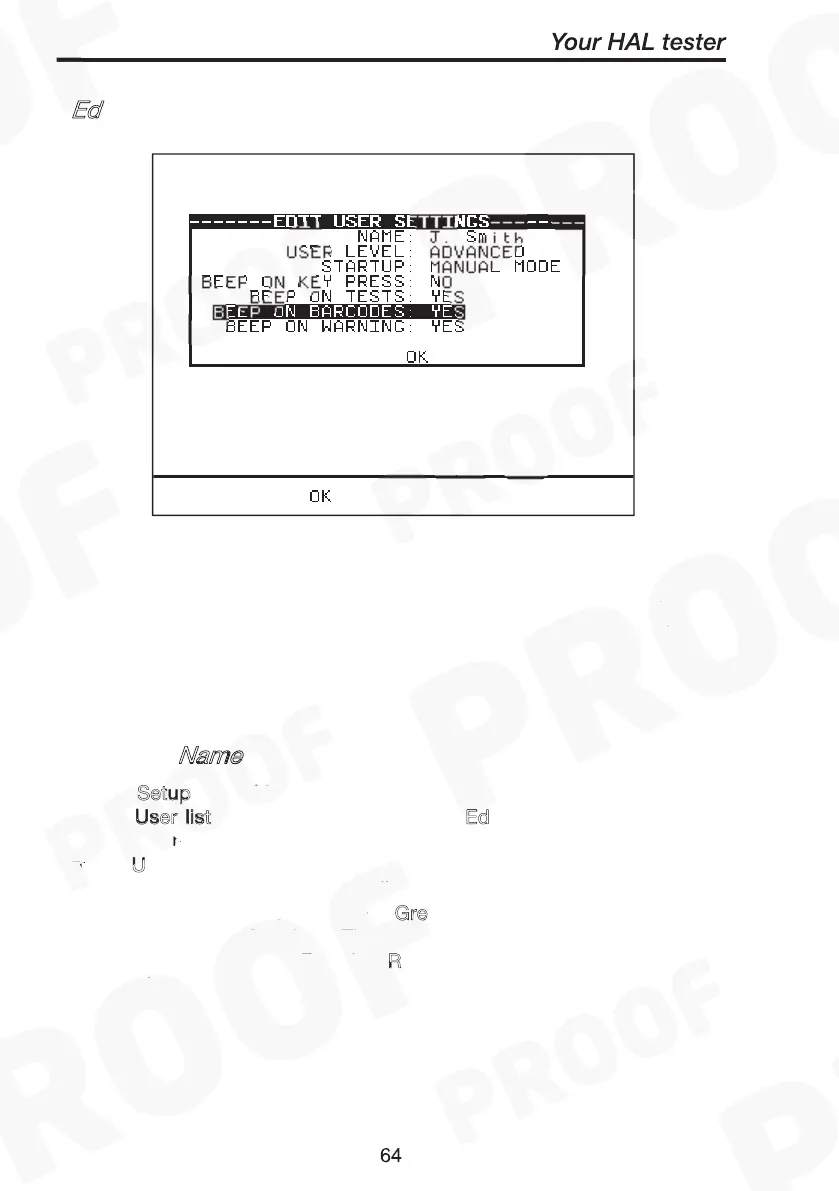
Select Setup from Main Menu. The setup screen will be displayed.
Select U
ser
list using fast key or highlight Ed
and
press Green to enter. Use the encoder to highlight a user name and
press U
fast key or press Green to select the desired
option. You will be prompted to edit the current user settings. Highlight
setting fields with cursor and press G
re
. I
fields
as required using fast key. Then press G
followed by R
to
accept new user name. Pressing R
during any changes will abort
Edit mode.
Ed
it User List / Options
Edit User Name
Setup
User list Edit User List/Options
User settings
Green to enter editing Insert
Green Red
Red
Edit User List / Options
Edit User Name
Setup
User list Edit User List/Options
User settings
Green to enter editing Insert
Green Red
Red



 To Next Page