Start Search
Search Result
Product Test Results
Pressing the View Comments fast key will display the Comments box.
Use the Red button to return to the previous menu.
After all the search parameters have been set, press Start Search to
begin the search. It should be noted that unsure parameter should not
be used otherwise this will corrupt the search matching process.
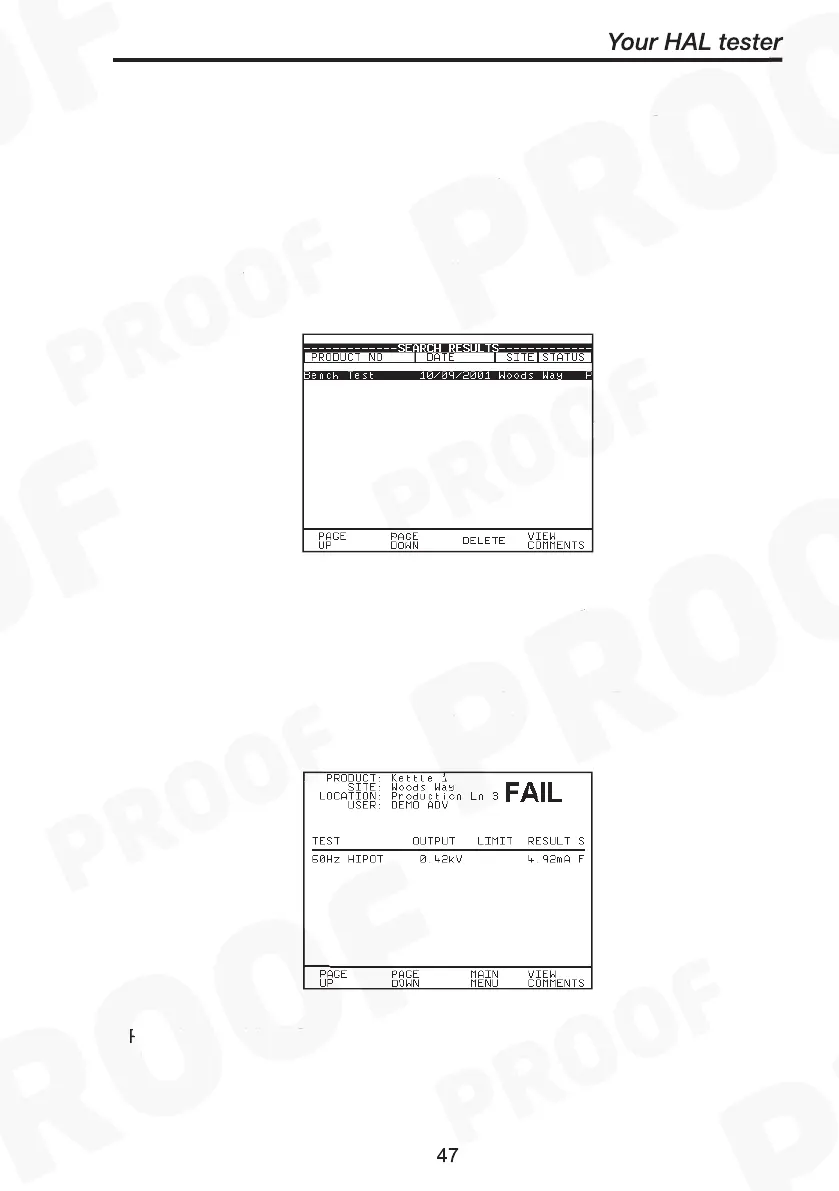
When you select Start Search the following screen will be displayed.
This screen indicates the Products that match the search criteria.
Start Search
Search Result
You can delete the highlighted Product by pressing the delete key.
It is possible to view the results obtained for a certain Product by
highlighting the Product number and pressing Green.
Start Search
Search Result
Product Test Results
Start Search
Search Result
Product Test Results



 To Next Page