Da
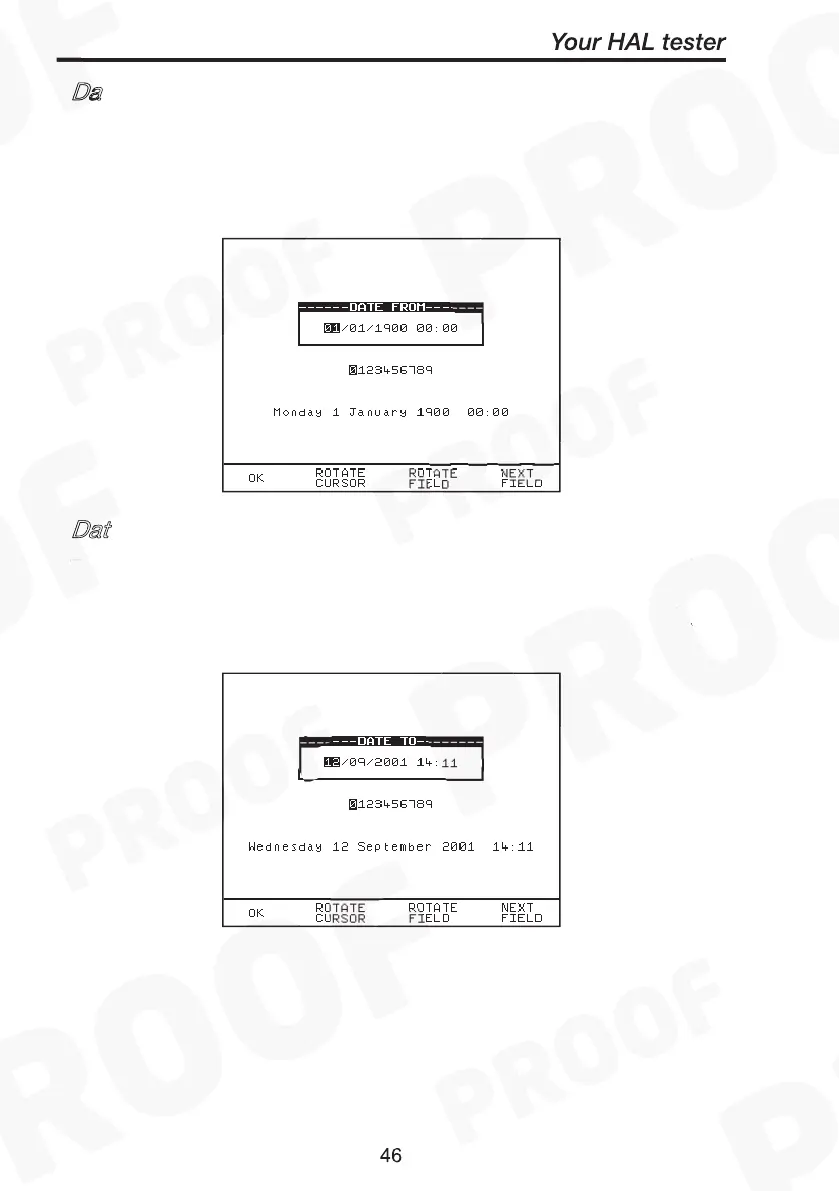
This option allows the user to search for test results after the selected
date. Use the cursor keys to highlight the digit to be changed. Use the
encoder to change the value. Select OK to store the settings or press
RED to abort them.
Dat
This option allows the user to search for test results before the
selected date. Use the encoder to highlight the digit to be changed.
Use the encoder to change the value. Select OK to store the settings
or press RED to abort them.



 To Next Page