Pe
Use the encoder to highlight the OK field and press Green to perform
the test. Pressing the Red Button will return to the previous menu.
The screen will change to the Meter Display (see separate section -
How to use the Meter Display for an explanation).
Note
Help screens may be displayed depending on the User Level
set. It is possible to stop these appearing by altering the User
Level. See EDIT USER LIST OPTIONS. Help can be displayed
during any test by pressing the appropriately marked fast key.
All automatic mode test results are stored in memory.
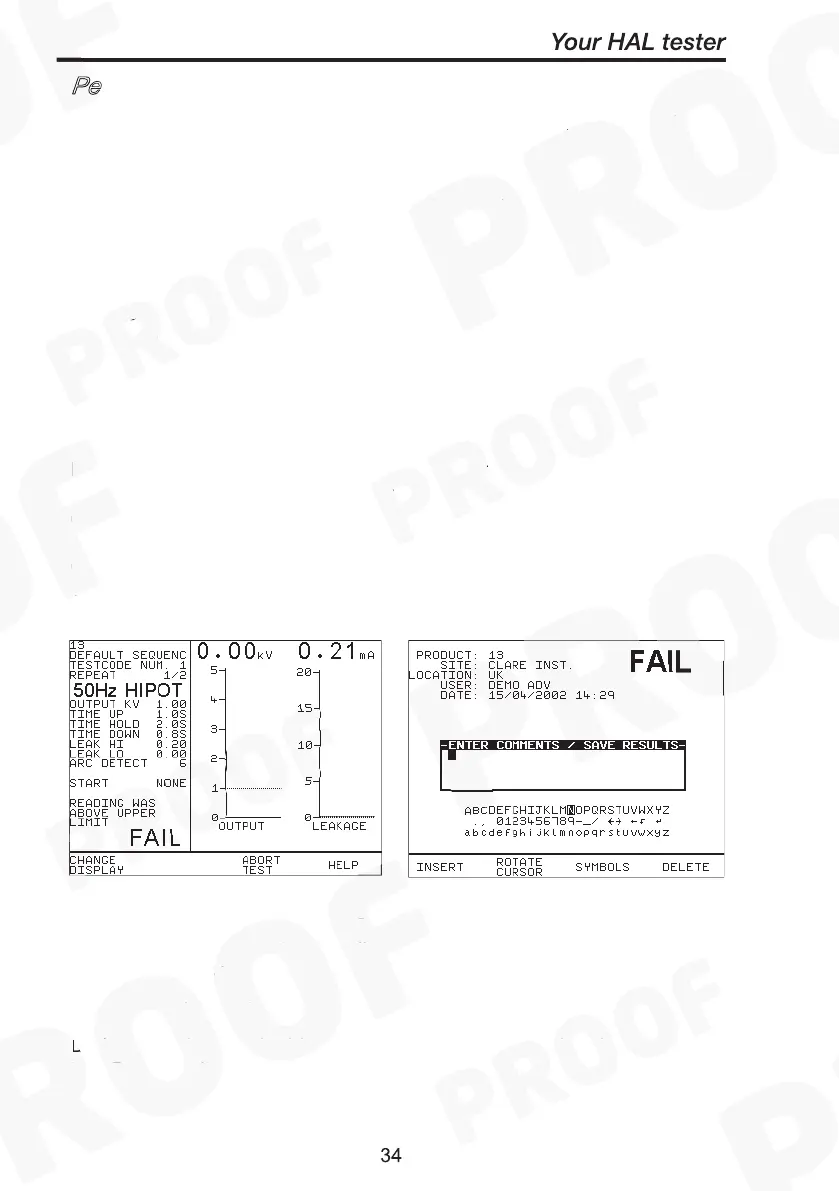
If any test in the test sequence fails, then the test sequence is aborted
and a fail message will be displayed with the alarm buzzer beeping
continuously. Press Green to acknowledge the status. A Failure
Options Menu can be configured or just a Failure Comments box
option can be selected at the System configuration setup to indicate
these modes.
Fail Comments – Use encoder & Insert key to enter in any comments.
To skip line or move to next line, highlight Rotate Cursor and turn
encoder. Or use barcodes.
Enter Green button to store results/comments.
During an automatic test the user may choose to abort test by opening
the Guard switch or pressing the Red button. See Abort action for
detail.



 To Next Page