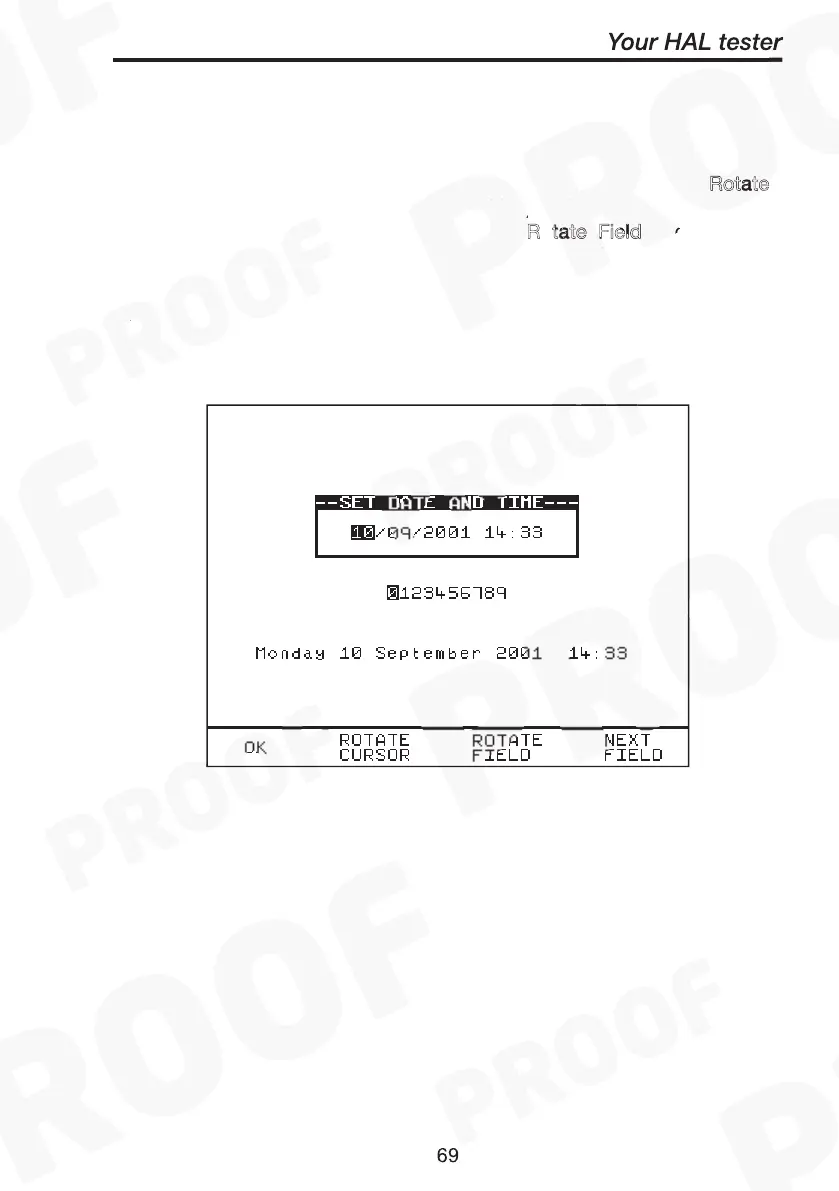
This option allows the user to change the Date and Time. Use R
otate
(to select or deselect cursor tracking) and use encoder to move
to desired fields for edition. Then select R
tate Field and use the
encoder (to cycle through) to change the value of the field. Repeat
above process until all fields have been changed. Select O
to store
the new settings or press Red to cancel or abort changes. To update
the new setting you must return to the MAIN MENU.
Change Date / Time
Rotate
Cursor
Rotate Field
OK



 To Next Page