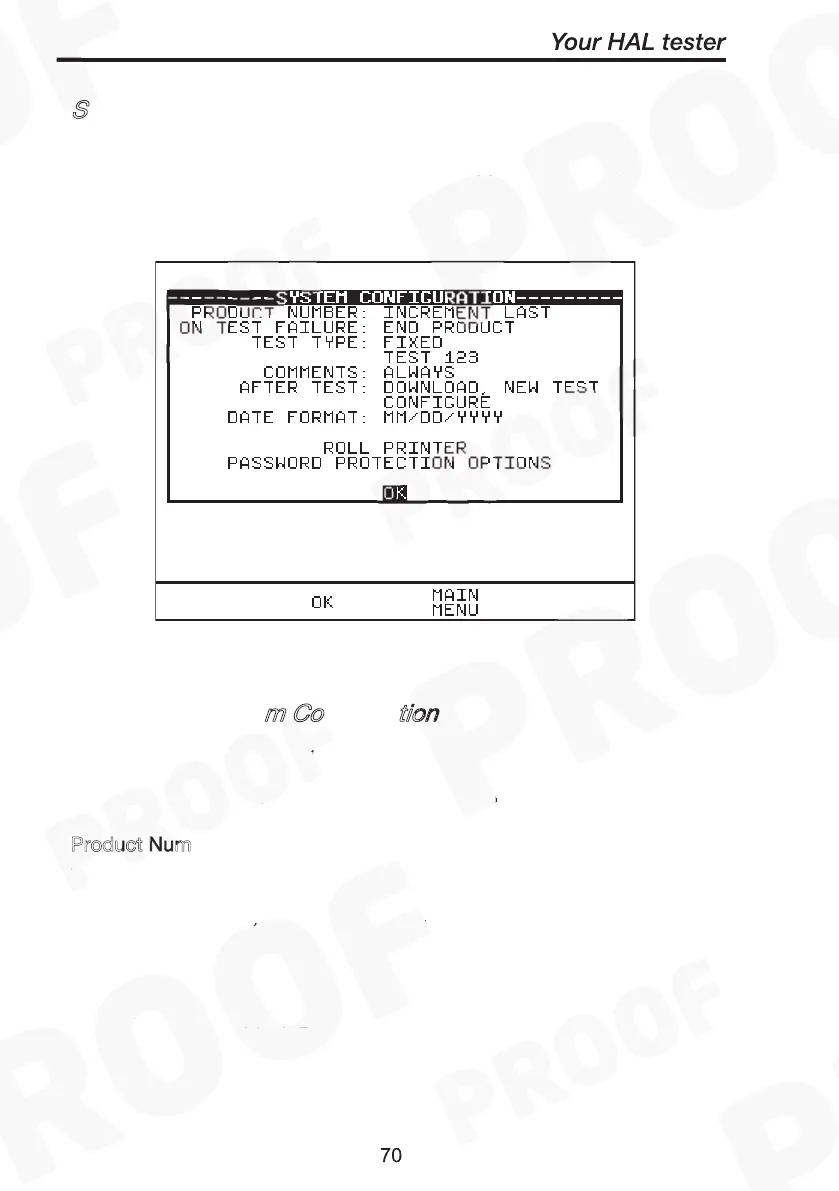
S
The Test Settings are included to cover the wide range of options that
may be country or company specific.
How to edit System Configuration
Product Number:
m Co
tion
To edit any of the above fields, highlight a field to be changed, press
Green (or press Green repeatedly for the options). When all fields have
been satisfactorily selected press OK to store changes to memory.
P
roduct Num
(Three options selectable)
• Increment Last
This option allows the tester to proceed to the next product ID
(incremented by one) each time a test has completed.
• Repeat Last
This allows the test to be repeated on the previous product ID (same
ID)
• Blank
This will bring up a blank Product ID after each test. The user will need
to enter in any intended product ID again to proceed.
System Configuration
How to edit System Configuration
Product Number:



 To Next Page