Ho
w to perform Manual Tests
Manual mode provides the user with direct access to the tests. In this
mode individual tests can be selected and performed. Product
numbers, sites, users and test codes can still be assigned to Products
if required; though this is not essential.
Manual Mode
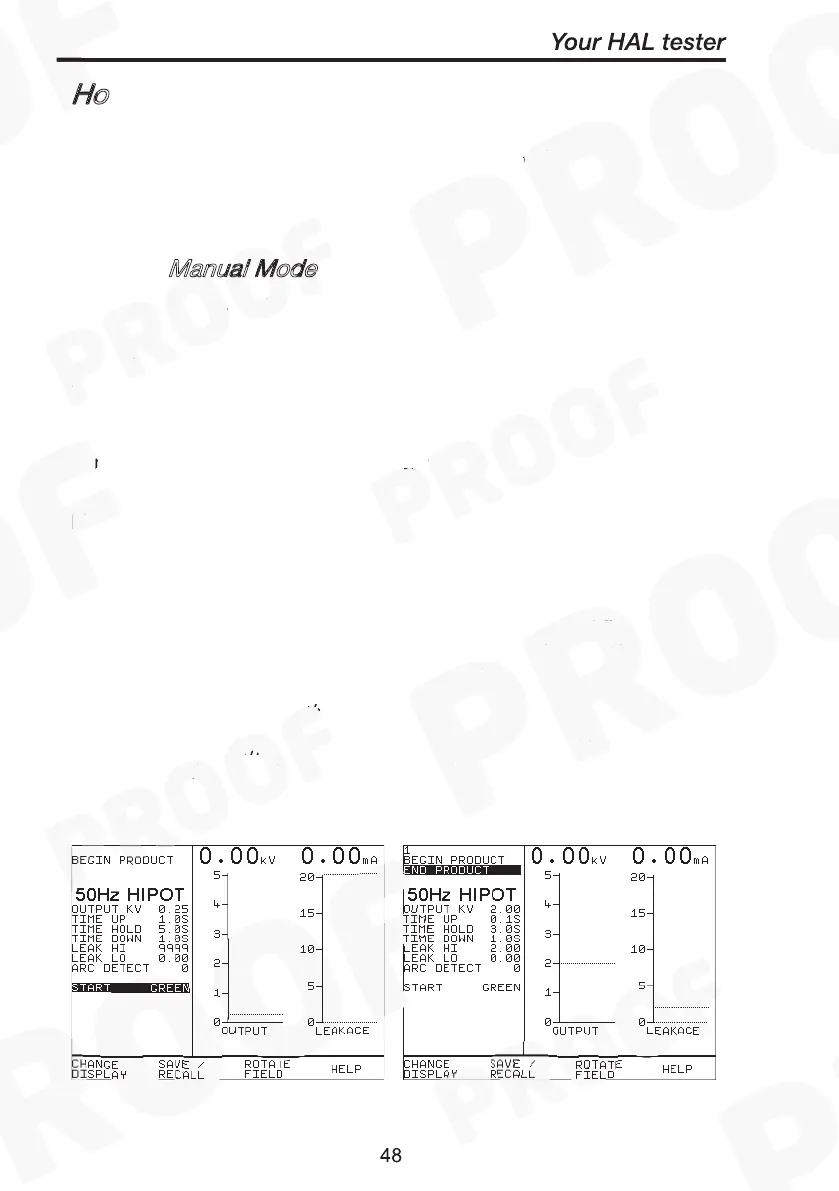
Use the fast key to select Manual Mode from the Main Menu.
The system will then display the meter screen and allow direct use of
the default, or last selected test that was setup. The user may setup
10 unique configurations, and save these for later use. To operate the
test the operator must follow the on screen instruction; closure of the
safety guard switch, followed by pressing Green. The test may be
terminated at any time, either by pressing Red, or opening the safety
guard.
Manual mode is primarily intended for use in evaluating EUTs in a
laboratory environment, or for performing production line re-testing.
Note
To store tests in memory from Manual mode you must first
select BEGIN PRODUCT, perform the tests required for the
EUT. When you have completed the required tests select END
PRODUCT, upon leaving this option the unit will now store the
results. Note that the Enter Comments option is not displayed
until there is something to store. Tests carried out without
Product details being entered will not be stored



 To Next Page