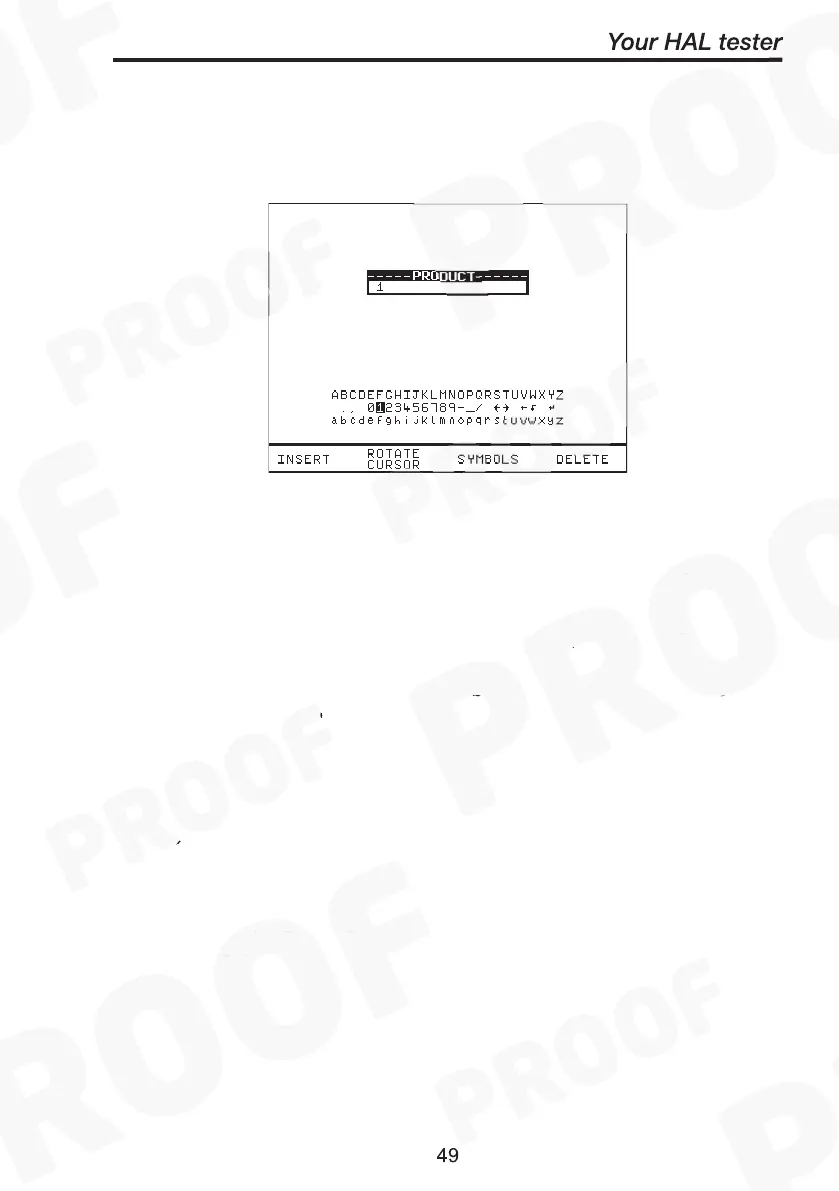
Use the encoder or a compatible Barcode Reader to enter a Product
Number. Use the encoder to select the ‘BEGIN PRODUCT’ field, then
you will be presented with the screen above.
If you need to change the current User, Site or Location profile, return
to Main Menu to select from the desire Change lists. Any test results
saved against the current profiles will be stored in memory. Old results
data will not be altered.
Note
Default settings for Sites and Test Sequences are pre-loaded
into the Tester. See ‘How to use Setup’ to change these
settings.
Use the encoder to enter comments into the comments box (4 lines of
20 characters). Press Green for a new line. To store the comments
press the OK Fast key. Use the Red button if you do not want to store
the comments.
Create Product Number
This allows all manual tests performed to be stored against the Product
number until the Product number is changed.



 To Next Page