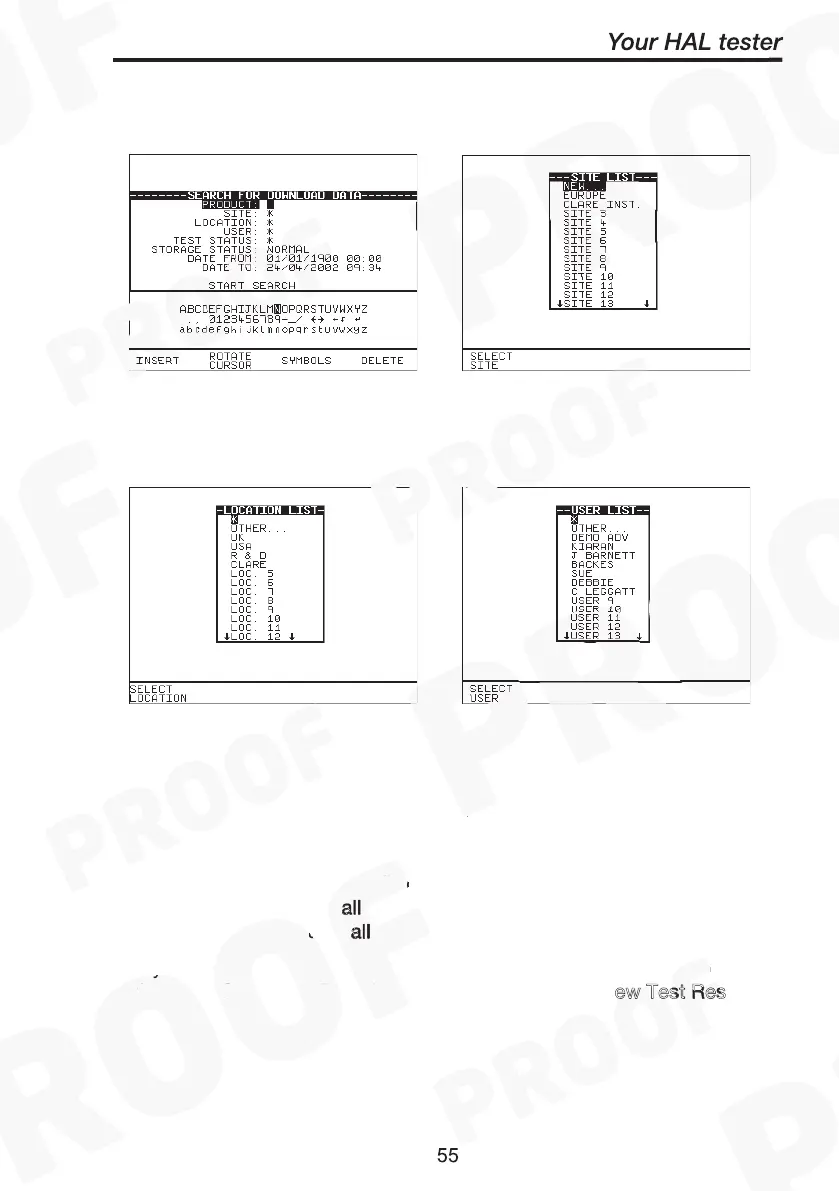
Fig. 8 Fig. 9
Fig.10 Fig. 11
Printing NOTES
When in Download data mode, do not
search all
by entering the
character ‘
’ for a
the six fields as this would download (print out) a
the product results for a
ll the parameters indicated. This will not stop
until a
ll printing has completed.
If you need to search and view the list of test results for reminder, exit
from this Search for Download Data mode and u
ew Test Res
at the Main menu before re-entering this mode for printing.



 To Next Page