Menus and Functions
10 P2398PM | 2018-12 Apex Tool Group GmbH
3
EN
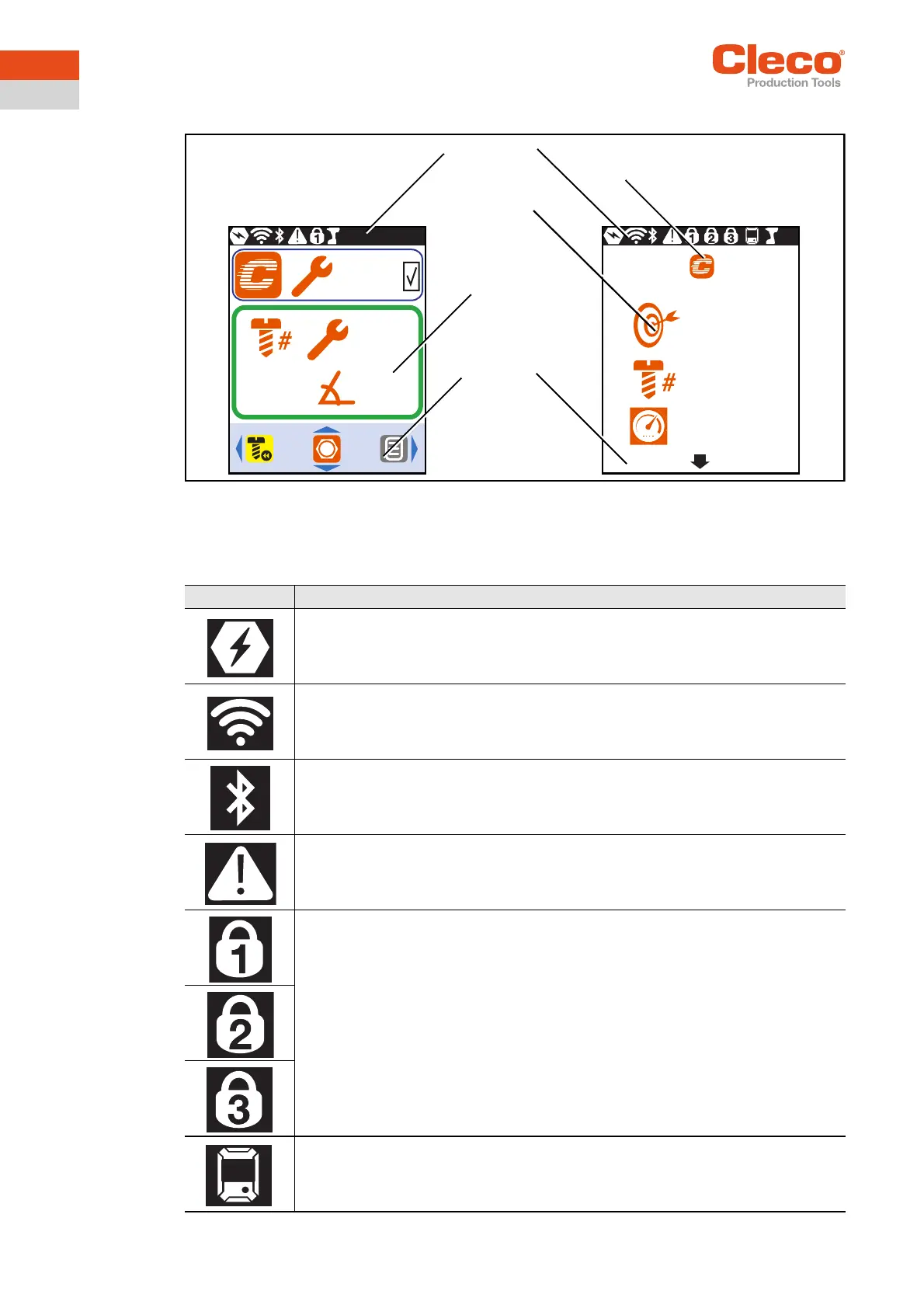
3.2 LCD setup
Abb. 3-1: Setup of the menus using the run screen and a submenu as an example
3.2.1 Header
The symbols in the header indicate which functions are activated.
τ
15 Nm
τ
15.7 Nm
270°
3/10
270
3
350
1
Footer
Run screen
Submenus and
parameters
Header
Symbol for the current menu
Symbol Description
Battery is plugged in.
WLAN connection is available.
Bluetooth connection is available.
Displayed in the Diagnostics menu and with warnings.
PIN is required.
The number on the lock indicates the active access level.
mPro mode is activated.



 To Next Page