Menus and Functions
26 P2398PM | 2018-12 Apex Tool Group GmbH
3
EN
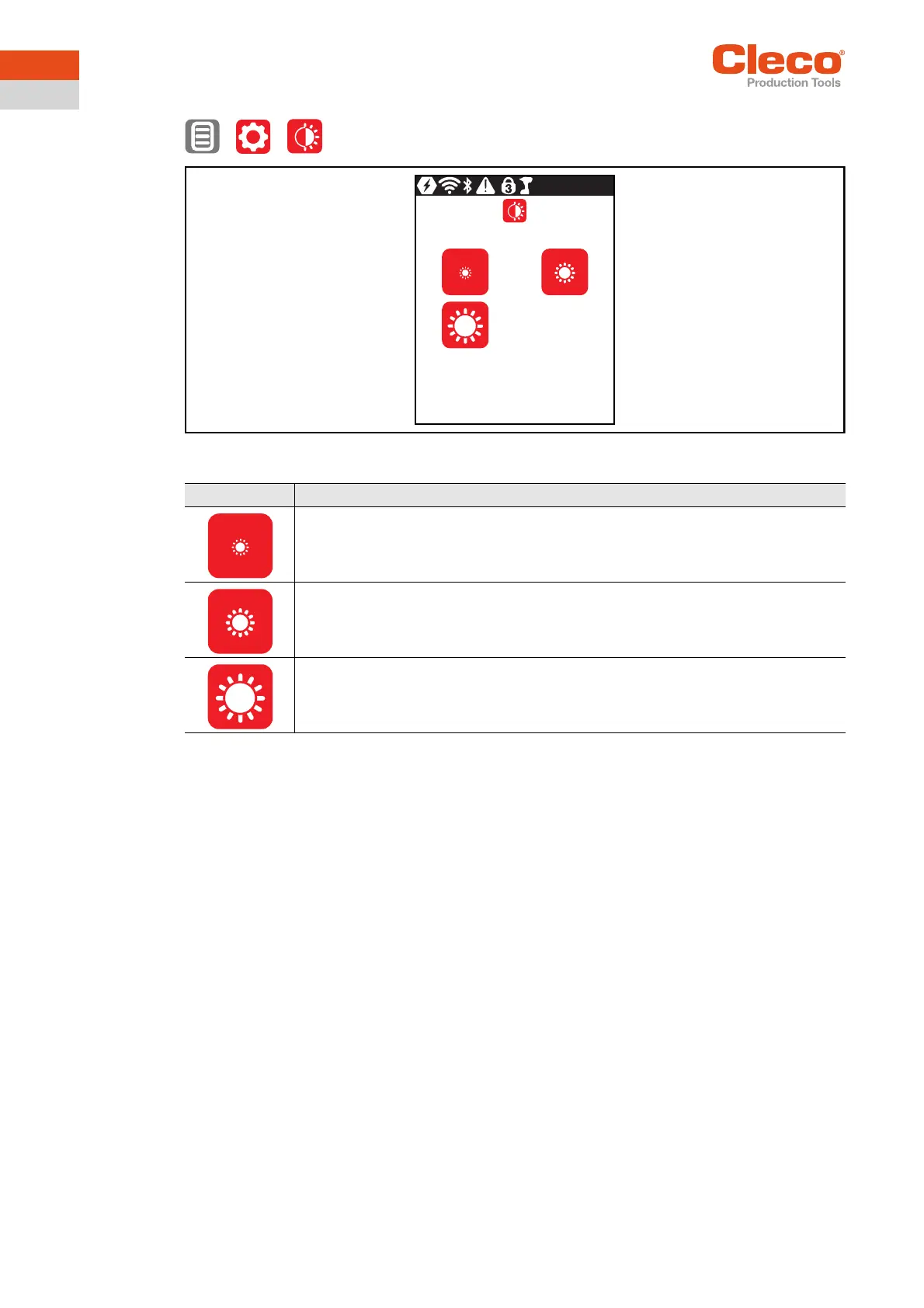
3.8.2 Adjusting the screen brightness
> >
Abb. 3-14: Submenu – Screen brightness
Button Description
Brightness Level 1: The LCD is dark and dimly lit.
Brightness Level 2: The LCD has medium illumination. This is the default setting that is
used when none of the buttons are selected (outlined in green).
Brightness Level 3: The LCD is brightly lit.


 To Next Page