Menus and Functions
34 P2398PM | 2018-12 Apex Tool Group GmbH
3
EN
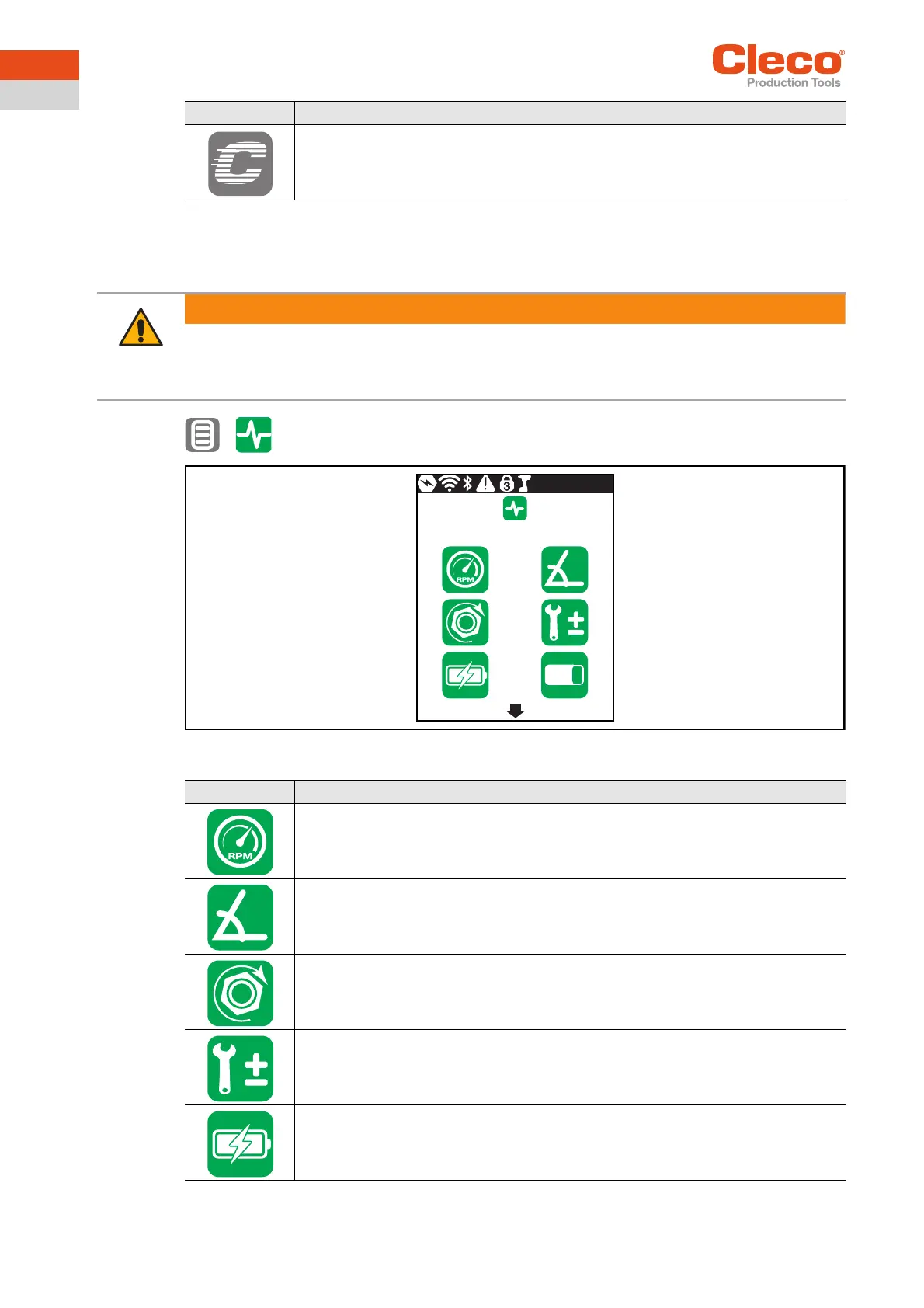
3.9 Diagnostics
Various test functions can be found in Diagnostics.
>
Abb. 3-23: Menu – Diagnostics
Lock disabled.
Switching between all the parameterized Linking groups can be carried out in the run
screen. There is no need to enter a PIN.
Button Description
Warning
Movable parts!
Never reach into the rotating parts of the tool.
Make sure that the rotation of the tool does not pose any danger.
Do not perform diagnostic tests on the workpiece - only with a freely rotating tool.
Button Description
Speed test
Angle test
Torque test
Calibration value
Voltage
4
3
123


 To Next Page