Menus and Functions
40 P2398PM | 2018-12 Apex Tool Group GmbH
3
EN
To change the tool constant:
1. Select to activate the input box.
2. Increase/decrease the value of the tool constant with the and or and buttons.
3. To confirm the change, press .
→ The checkmark is highlighted in green.
→ The tool constant is saved.
→ The Tool constant menu is exited.
To not save a tool constant change, exit the menu with the button.
3.10 Communications
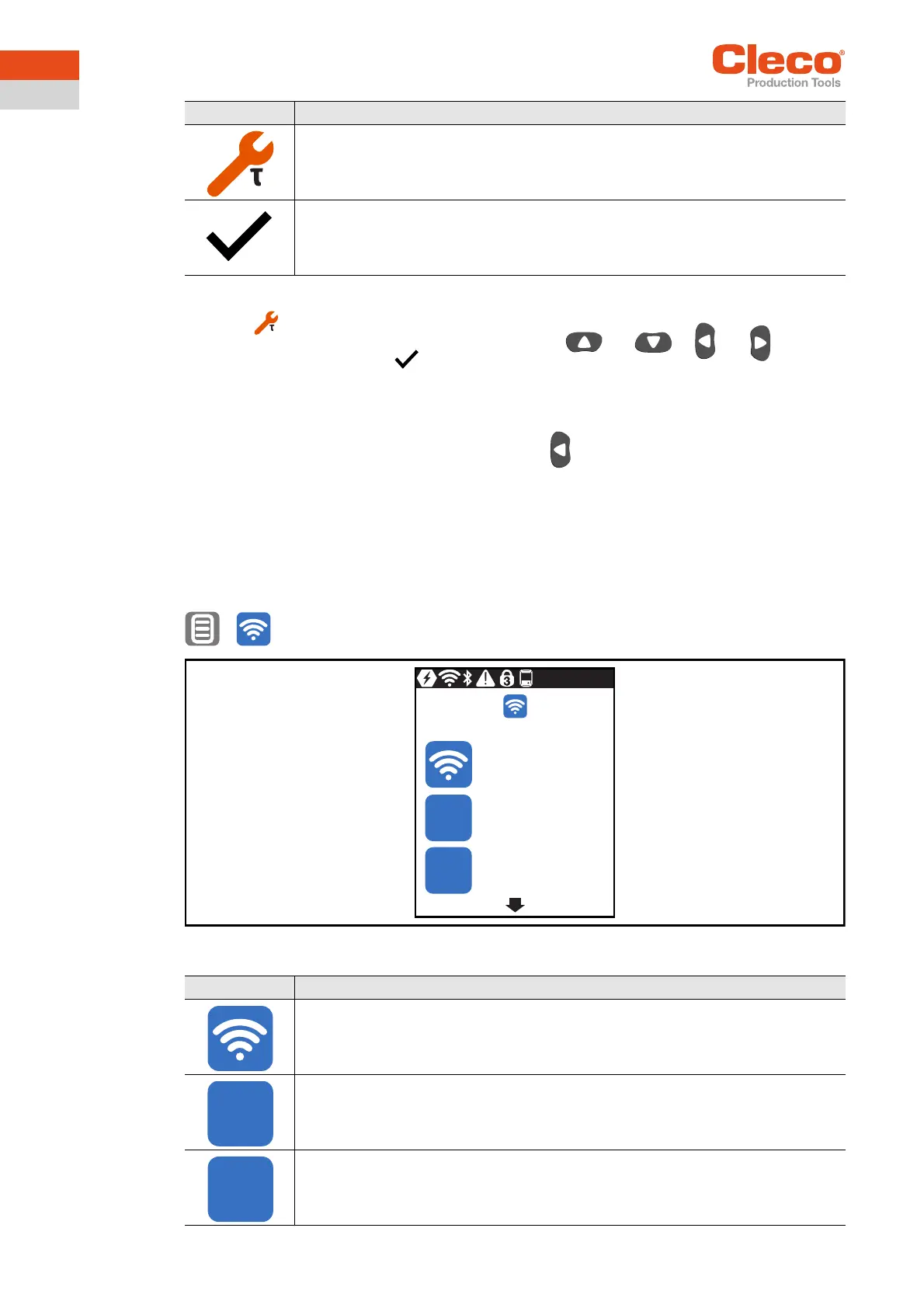
In this menu, information about the WLAN connection is to be found. To configure WLAN settings, use the
LiveWire RF Configuration software. See Document P2372JH.
If the tool is programmed so that WLAN settings are assigned via DHCP, this will appear to the right near
the "-" symbol as long as no connection could be established.
>
Abb. 3-31: Menu – Communications
Button Description
Display of the tool constant.
The tool constant can be changed by ± 20%.
To prevent unintentional changes to the tool constant, every change must be con-
firmed.
Press to confirm a tool constant change.
Symbol Description
SSID display.
IP address display.
Network mask display.
IP
NM
192.168.245.1
255.255.255.0
mPro_a84484
IP
NM


 To Next Page