Apex Tool Group GmbH P2398PM | 2018-12 33
Menus and Functions
3
EN
3.8.7 Locking a menu
> >
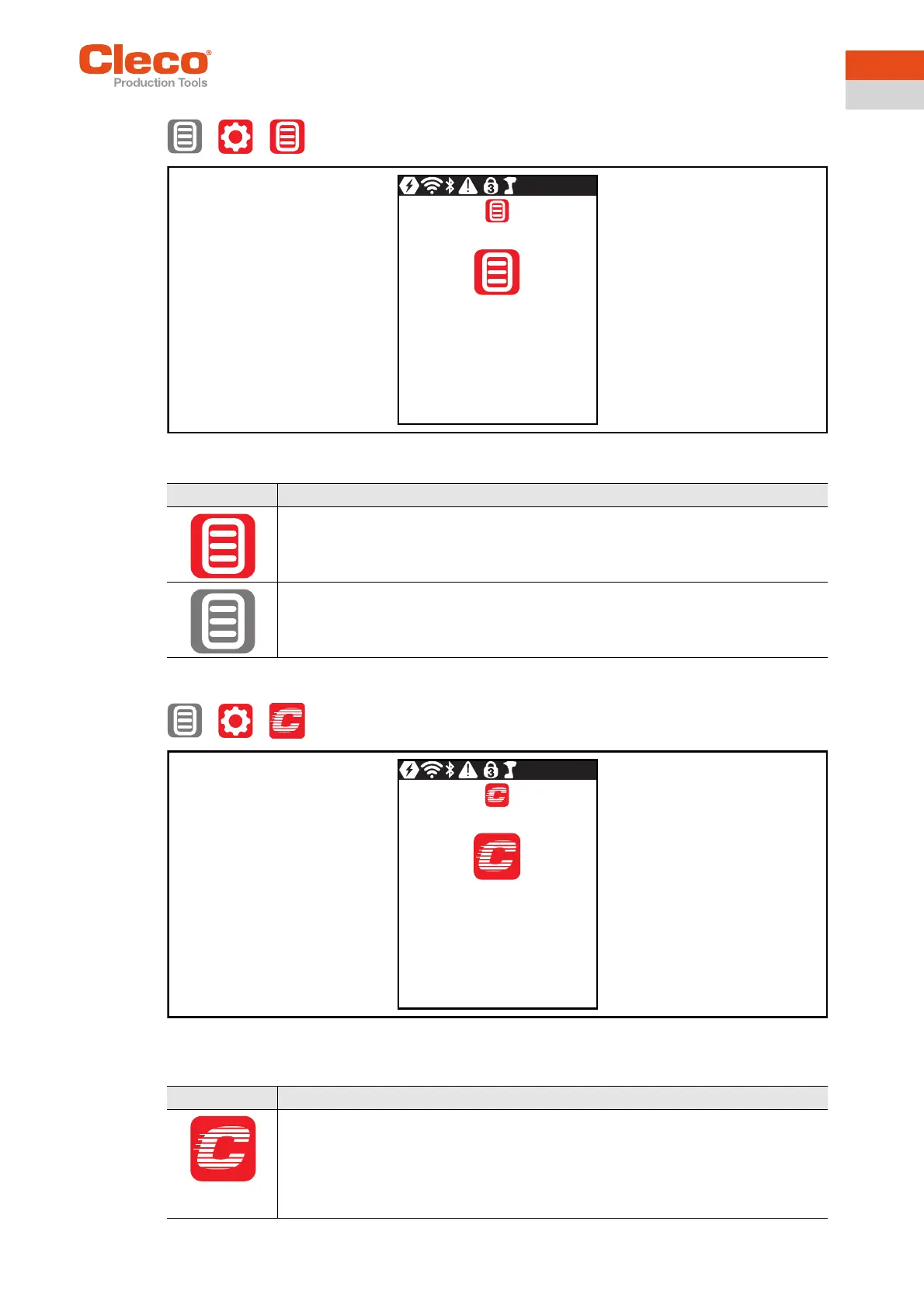
Abb. 3-21: Submenu – Locking a menu
3.8.8 Allowing a Linking group selection
> >
Abb. 3-22: Submenu – Allowing a Linking group selection
Button Description
Lock activated.
To open the main menu from the run screen, a PIN must be entered. Unlocking is pos-
sible with each access level. The requirement is that a PIN has already been defined.
PIN lock disabled.
All menus can be opened without entering a PIN.
Button Description
Lock activated.
Requirement: A PIN must be activated.
To switch to another Linking group from the run screen, a PIN must be entered. The
functionality of the Start switch is not restricted.



 To Next Page