Apex Tool Group GmbH P2398PM | 2018-12 49
Menus and Functions
3
EN
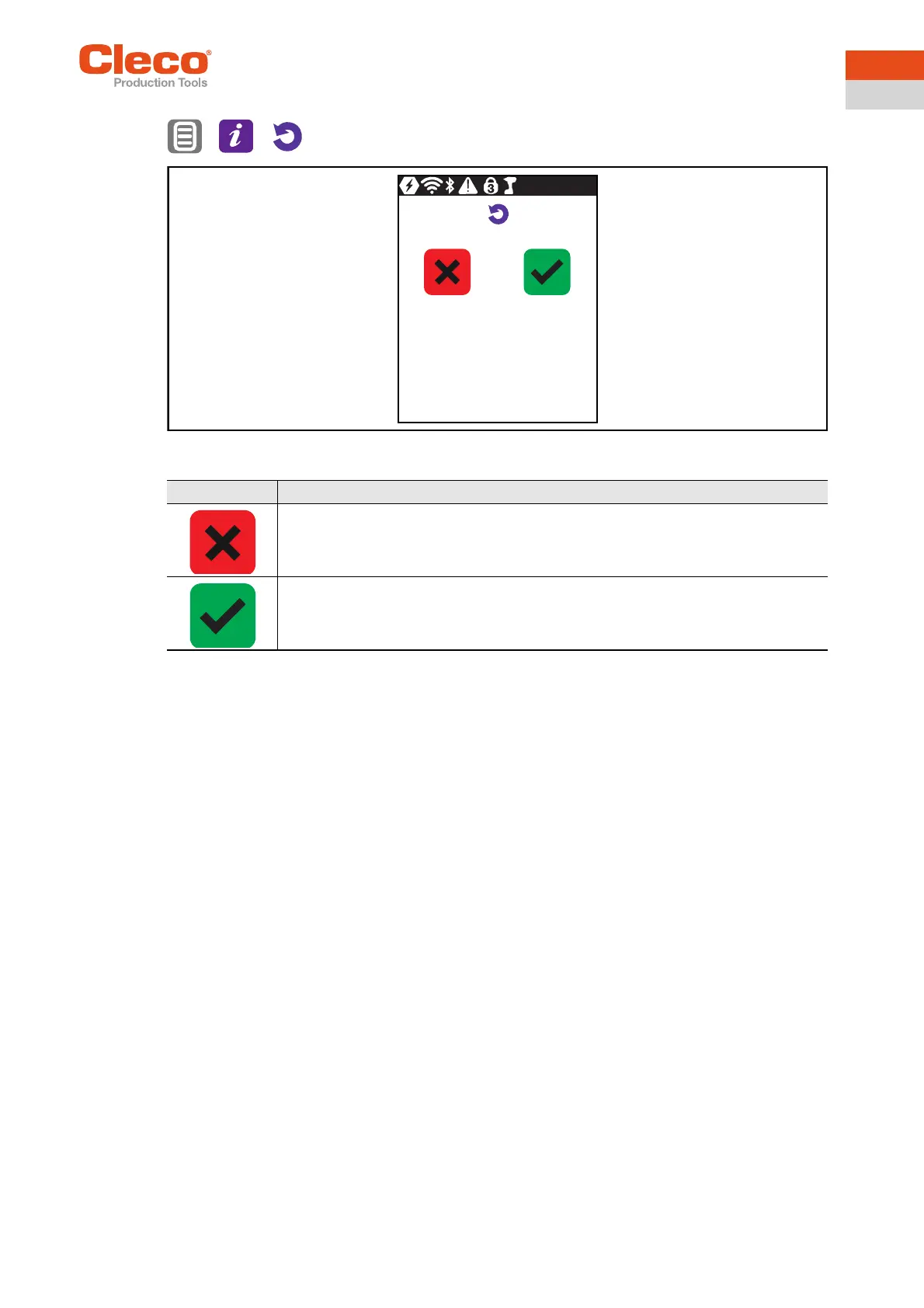
3.11.8 Resetting to factory settings
> >
Abb. 3-40: Submenu – Resetting to factory settings
Button Description
Press to cancel the process.
→ The tool is not reset to factory settings.
→ The Resetting to factory settings menu is exited.
Press to reset the tool to factory settings.
→ All the settings of the tool and the archive are deleted.
→ The Resetting to factory settings menu is exited.



 To Next Page