Overview
HF SSB transceiver user guide 2-9
Control panel Microphone Function
4.
Select
Chan
1
4
Chan
The
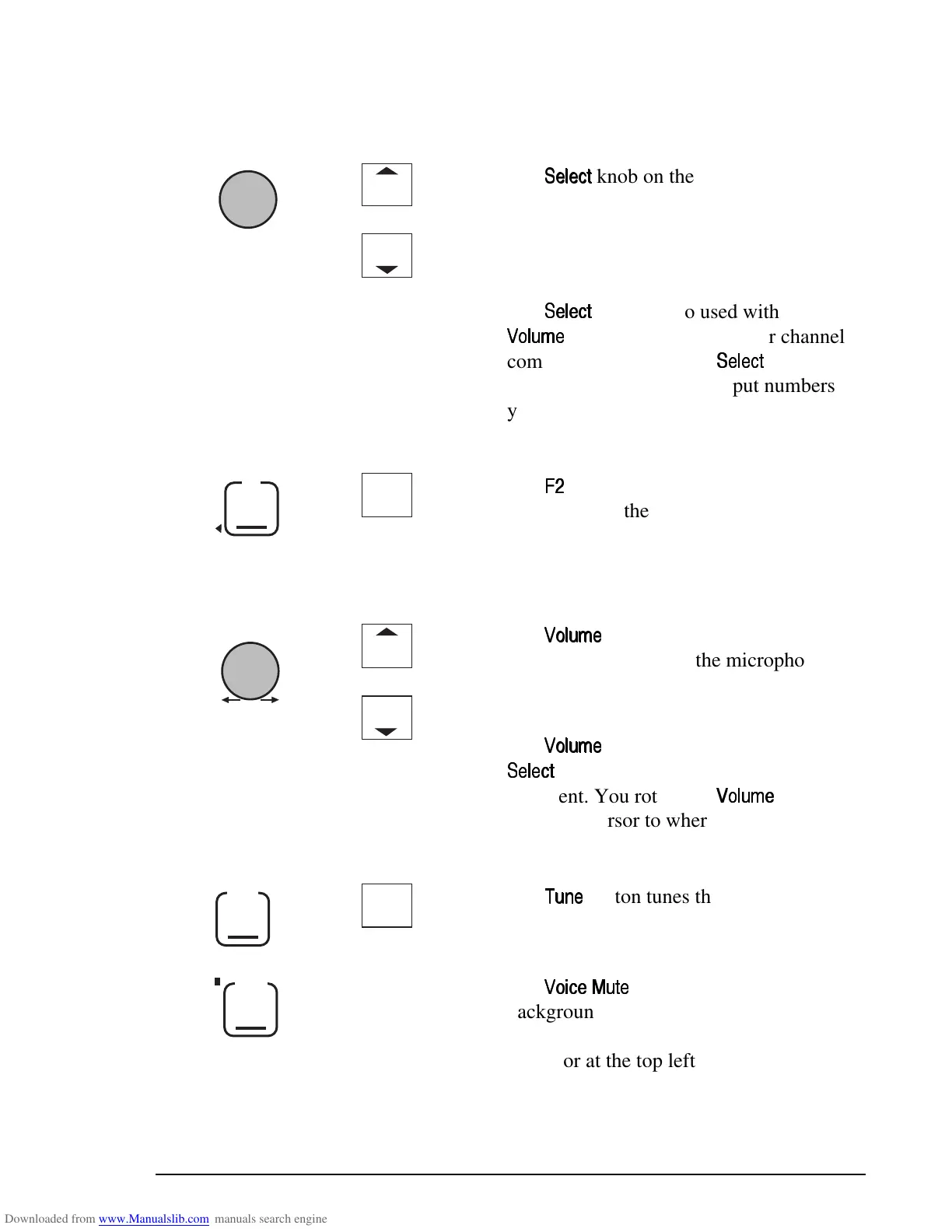
knob on the control panel and
the channel buttons on the microphone
change the channel when you are in
Channel mode (the normal operating
mode).
The
knob is also used with the
knob to enter message or channel
comment. You rotate the
knob to
select each character. To input numbers
you can also use the buttons on the
microphone.
5.
F2
5
F2
The
button performs different functions
depending on the transceiver’s operating
mode. The bottom right position of the
transceiver display shows the current
function.
6.
Volume
Vol
3
6
Vol
The
knob on the control panel and
the volume buttons on the microphone
change the loudspeaker volume when you
are in Channel mode.
The
knob is also used with the
knob to enter message or channel
comment. You rotate the
knob to
move the cursor to where you want to enter
the next character.
7.
Tune
Tune
7
The
button tunes the antenna for auto
tuners and antenna systems.
8.
Voice
Mute
The
button removes normal
background noise when there is no audio
signal. When voice mute is selected, the
indicator at the top left of the button is on.
Overview
HF SSB transceiver user guide 2-9
Control panel Microphone Function
4.
Select
Chan
1
4
Chan
The
knob on the control panel and
the channel buttons on the microphone
change the channel when you are in
Channel mode (the normal operating
mode).
The
knob is also used with the
knob to enter message or channel
comment. You rotate the
knob to
select each character. To input numbers
you can also use the buttons on the
microphone.
5.
F2
5
F2
The
button performs different functions
depending on the transceiver’s operating
mode. The bottom right position of the
transceiver display shows the current
function.
6.
Volume
Vol
3
6
Vol
The
knob on the control panel and
the volume buttons on the microphone
change the loudspeaker volume when you
are in Channel mode.
The
knob is also used with the
knob to enter message or channel
comment. You rotate the
knob to
move the cursor to where you want to enter
the next character.
7.
Tune
Tune
7
The
button tunes the antenna for auto
tuners and antenna systems.
8.
Voice
Mute
The
button removes normal
background noise when there is no audio
signal. When voice mute is selected, the
indicator at the top left of the button is on.



 To Next Page