C004386_03_CR2500_User_Manual - 18
Save Settings
1.8.8 - Confi guration for Toshiba Bluetooth Stack Instructions (continued)
3a. Go to http://www.codecorp.com/bdaddr.php and create a QuickConnect code using the address from step 3. Use
the CodeXML Router/ 2-way applications section if CodeXML Router will be installed. Else create a QuickConnect
Code using the section for Serial Applications.
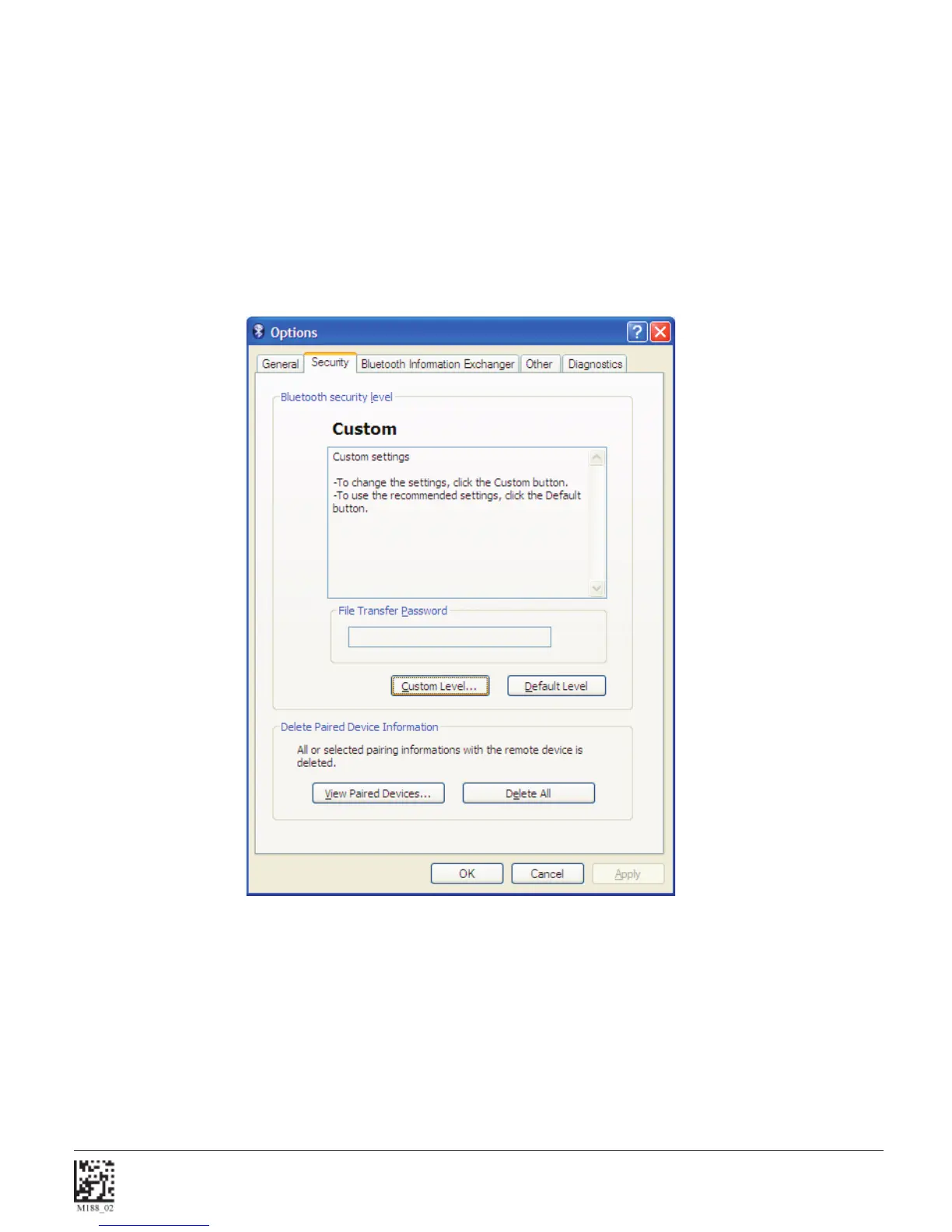
4. Optional – To remove the Passkey dialogue when connecting, Select the Security TAB and Select Custom Level.



 To Next Page