e-mark marking device Chapter 5 Operation
CODI Standard 1.0 Page 38 of 61
Operating and Maintenance Manual
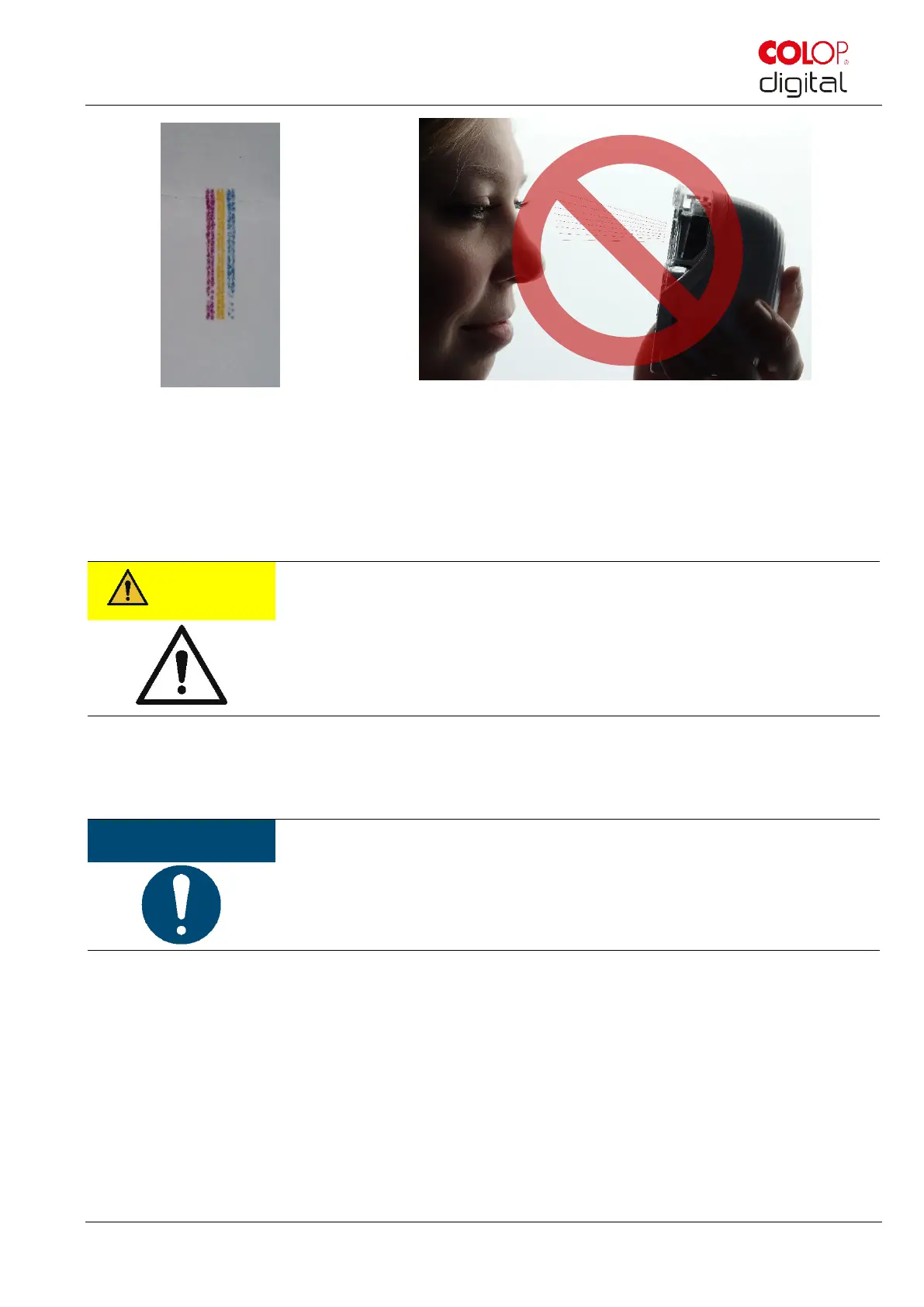
Fig. 26: Color sample released by automatic
print head cleaning
Fig. 27: Do not direct towards eyes, face or skin. Light irritation possible
If ink gets into the print head rest pad, it can stick together. This may happen if the e-mark has just been
removed from the docking station (print head cleaning is activated) and is returned to the docking station
without marking. Always print on a suitable background after removing.
Possible hazard from substances, slight eye and skin irritation from ink.
Do not direct the print head towards the eyes, face or skin. Do not open the ink
cartridge. Do not swallow! Keep ink cartridge out of the reach of children.
The print head and housing must always be placed in the docking station when not in use to prevent
drying out. The docking station contains a special pad with rubber lips to prevent drying out.
ALWAYS place the e-mark in the docking station after use! Otherwise, the ink
cartridge print head dries out.
Recommendation: Always place the e-mark in the docking station first and then switch it off. If the e-mark
is switched off, NO warning signal sounds, but the e-mark should always be placed in the docking station
even if switched off.



 To Next Page