e-mark marking device Chapter 5 Operation
CODI Standard 1.0 Page 43 of 61
Operating and Maintenance Manual
The "Start position lateral" setting precisely positions a marking using the lugs on the side of the e-mark
(see chapter 5.2).
"Continual marking" prints a selected marking consecutively.
If the e-mark is connected, the battery status, ink level and WIFI connection quality are displayed. These
displays can be called up using the e-mark symbol on the top right. The e-mark signal tones can also be
switched on and off here.
5.7 WIFI connection
If instructions on the wizard are followed when installing the App, the WIFI connection is set up and the
software automatically connects with the device when required. Several devices can also be added and
one of them selected from a list.
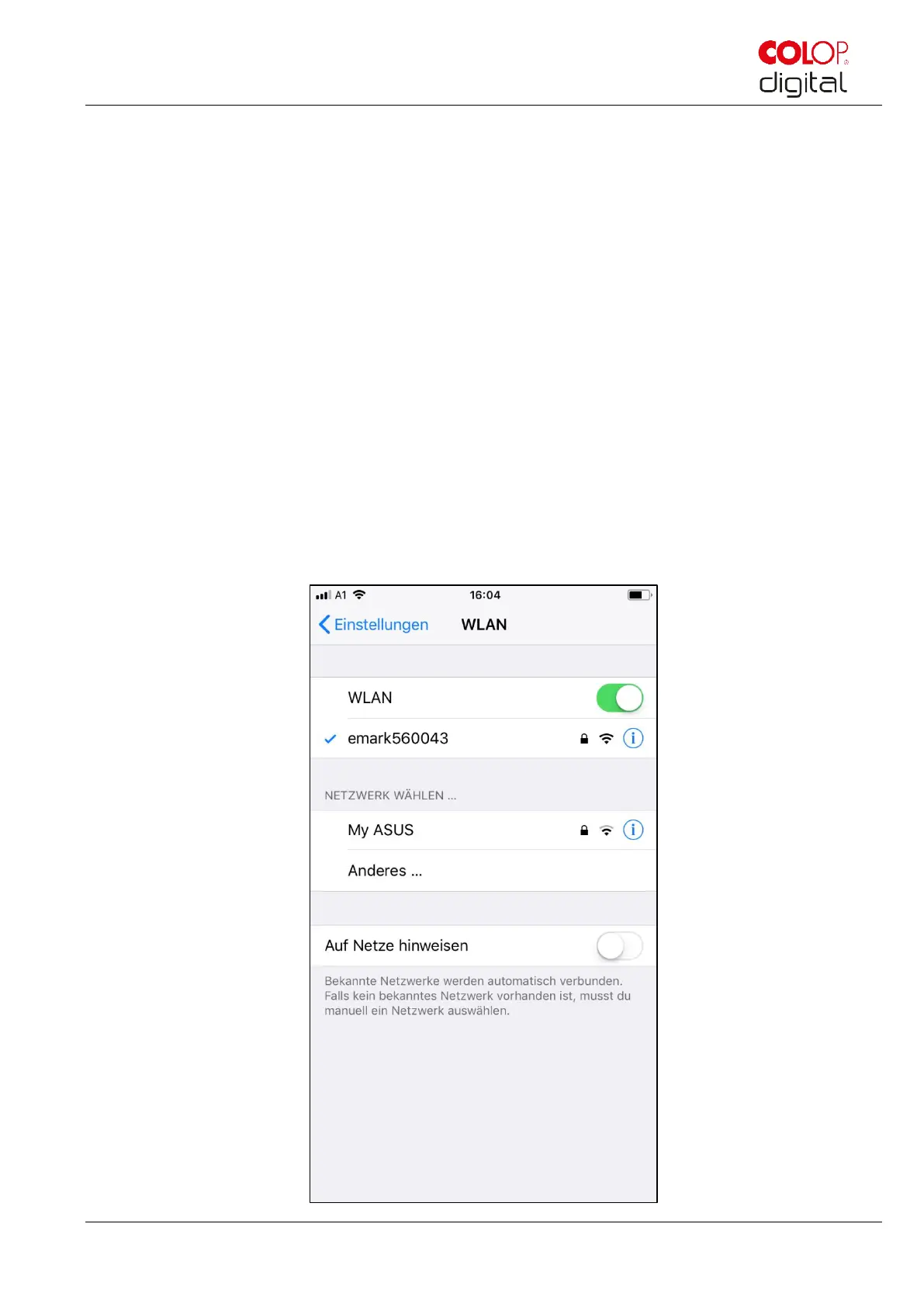
In the event the connection set up via the App is unsuccessful, the WIFI connection can also be set up
manually via the settings on a computer, smart phone or tablet. The e-mark must be switched on.
Select the SSID on your e-mark in the WIFI settings on your mobile device, click "Connect" and enter the
password. The actual illustration of the activated WIFI connection depends on the mobile device and the
software installed and may differ from the example illustration below.



 To Next Page