e-mark marking device Chapter 5 Operation
CODI Standard 1.0 Page 40 of 61
Operating and Maintenance Manual
5.6 Software
After downloading the software and/or the application (App) from the App Store (Google Play Store or
AppStore) or website (https://getemarkapp.colop.com/) and installing on your computer or mobile device
(see chapter 4.3), you can start using the e-mark. The display on your device may differ from the one
illustrated here. Button names may differ due to continuous improvement to the App. For manual
configuration of the WIFI connection see chapter 5.7, and for connecting with the USB cable see chapter
5.8.
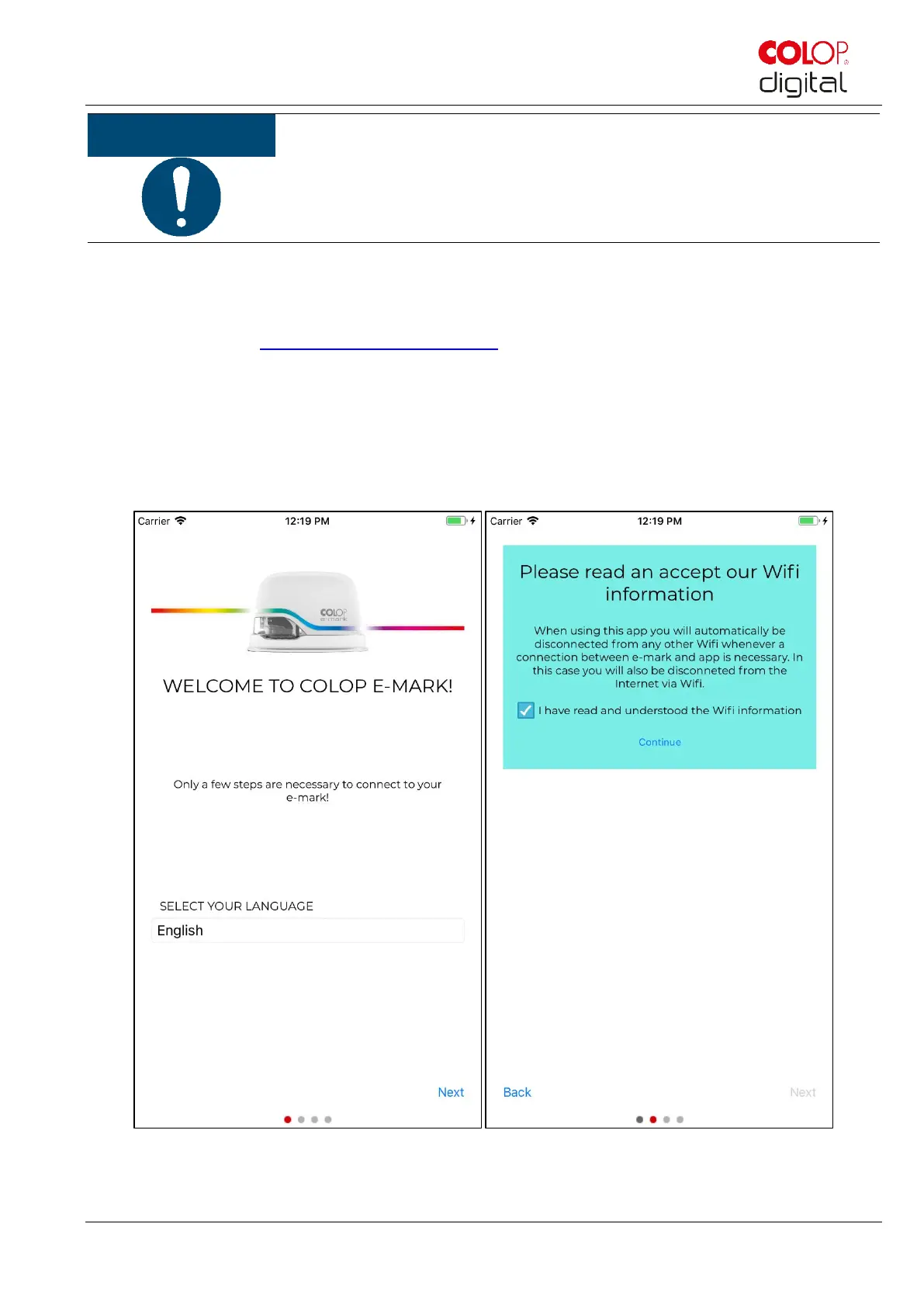
The software wizard helps you configuring your device:
Fig. 31: Software wizard – Welcome page
Do NOT wipe the print head with the wiper again after the second self-cleaning
cycle, otherwise this will dry it out.



 To Next Page