e-mark marking device Chapter 6 Maintenance
CODI Standard 1.0 Page 47 of 61
Operating and Maintenance Manual
If the App is on and there is a WIFI connection with the device, the charging process is also
displayed in the App (see chapter 5.3):
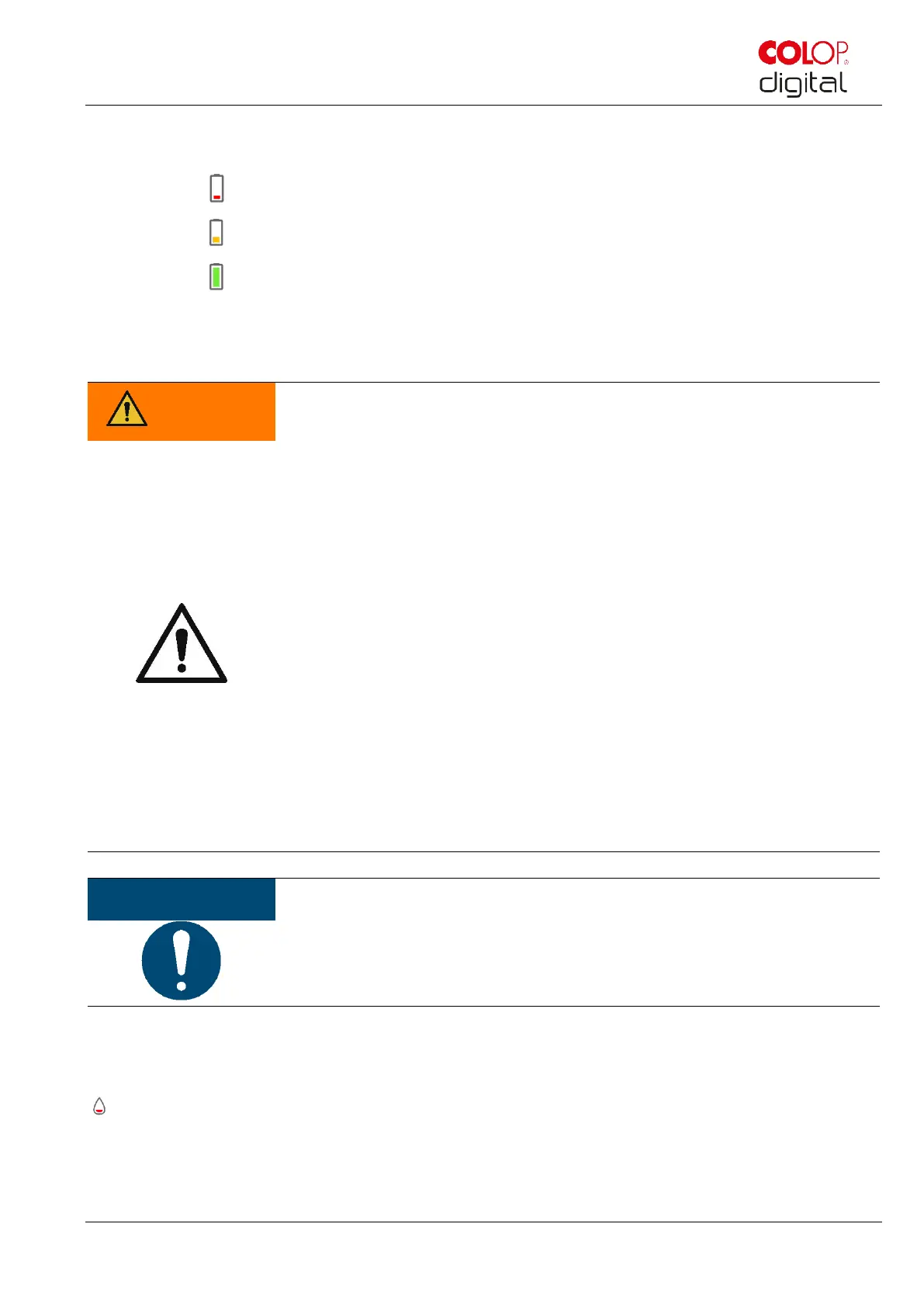
- Battery charge lower than 20%
- Battery charge between 20 and 40%
- Battery charge between 41 and 100%
Disconnect the charger when fully charged.
Hazard from rechargeable batteries (short-circuit, overheating, fire).
- Do not expose lithium batteries to heat, cold or water (do not leave in direct
sunlight or charge or store outdoors).
- Do not (forcibly) open or expose to large impacts or shocks.
- Only use charging systems as recommended by the manufacturer.
- The manufacturer's safety instructions must be complied with throughout the
entire disposal process.
- Battery contacts (outside the device) must not come into contact with metallic
objects such as coins or keys, to prevent a short circuit.
- The marking device and/or rechargeable battery must never get wet.
- Burning batteries can cause blow-outs, causing a battery to be blown away.
Battery fires give off extremely thick, particularly toxic smoke.
- Following extended periods in storage or before taking to a collection point,
the poles on lithium rechargeable batteries should be covered with adhesive
tape to prevent short circuits. Maximum possible storage, e.g. in the original
packaging and quick deposit in a collection point are recommended.
- Visually damaged, overheated or blown out batteries must not be recycled
and must not be stored in the house, flat or garage.
6.2 Changing the ink cartridge
An empty ink cartridge as indicated on the Light Guide as a red light and in online mode with the symbol
in the App.
Change the ink cartridge as follows:
Open and remove the e-mark cover.



 To Next Page