e-mark marking device Chapter 6 Maintenance
CODI Standard 1.0 Page 46 of 61
Operating and Maintenance Manual
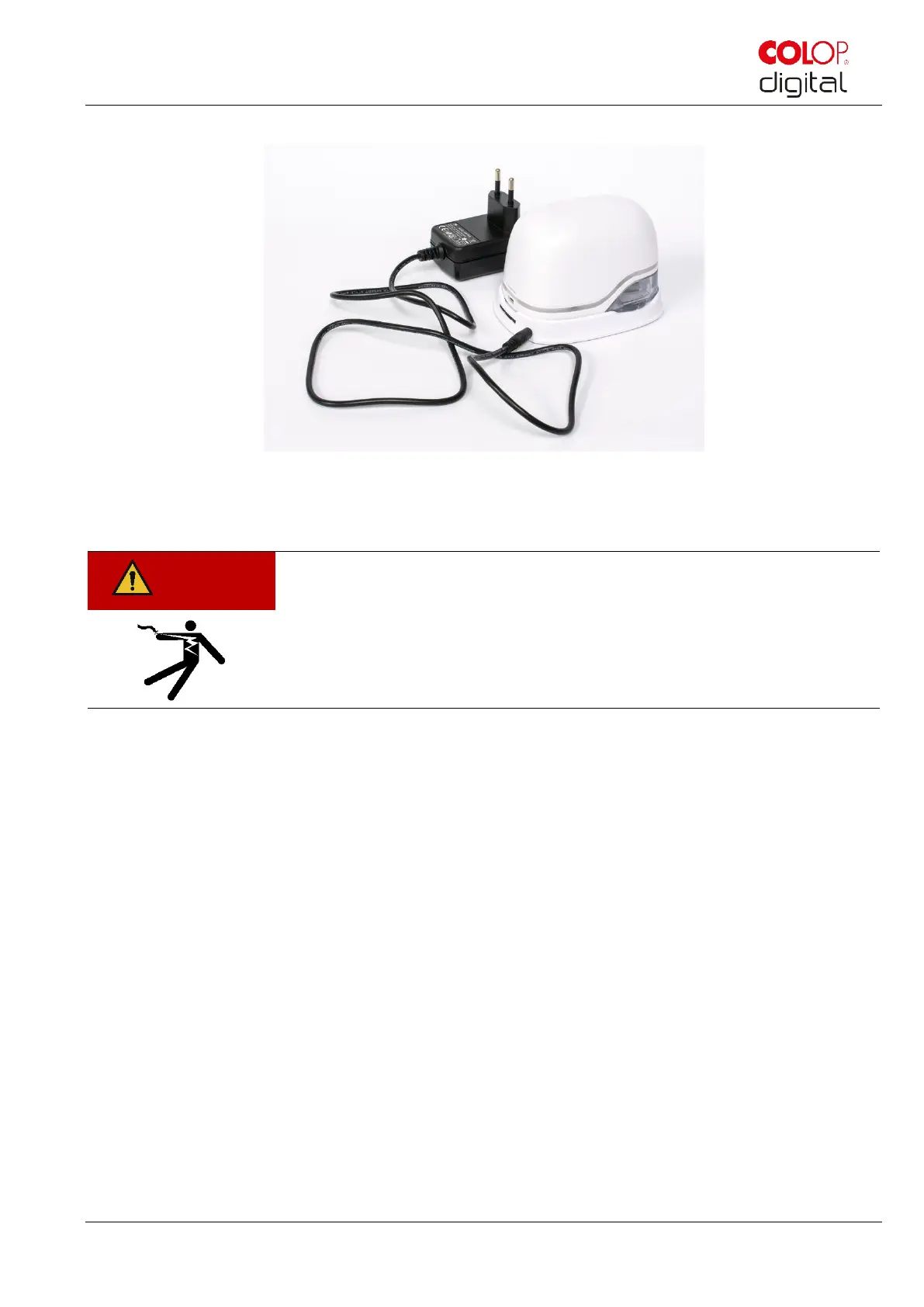
The marking device must be placed in the docking station.
Fig. 39: Charge battery
Connect the charger to the mains power supply.
Hazard from electric shock. There is a risk of a fatal electric shock in wet
conditions.
Never handle the charger mains plug with wet hands. Never use the device in
humid areas. Never expose the battery and charger, including USB port, to
water and/or rain.
The e-mark can be charged when switched on or off. Charging starts whenever it is placed in the
docking station.
Observe charge indicator lights (charging cable is connected) on the Light Guide (see chapter 5.3):
- yellow flashing next to the charging plug forwards continuously: Charge indicator light,
battery charge between 0% and 49%, battery charging
- green flashing next to the charging plug forwards continuously: Charge indicator light,
battery charge between 50% and 99%, battery charging
- continuous green light next to the charging plug: Battery is fully charged (100%). Charging
stops automatically and the charger can be removed.
The light guide also shows the battery level when not charging (see chapter 5.3):
- Red flashing around the e-mark indicates low battery charge (below 10 %)
- Continuous yellow light next to charging socket indicates low battery level (between 10
and 24 %)
- Continuous green light next to charging socket indicates sufficient/high battery level
(between 25 and 100 %)



 To Next Page