InteliMains 210 Global Guide
39
4.4.8 USB
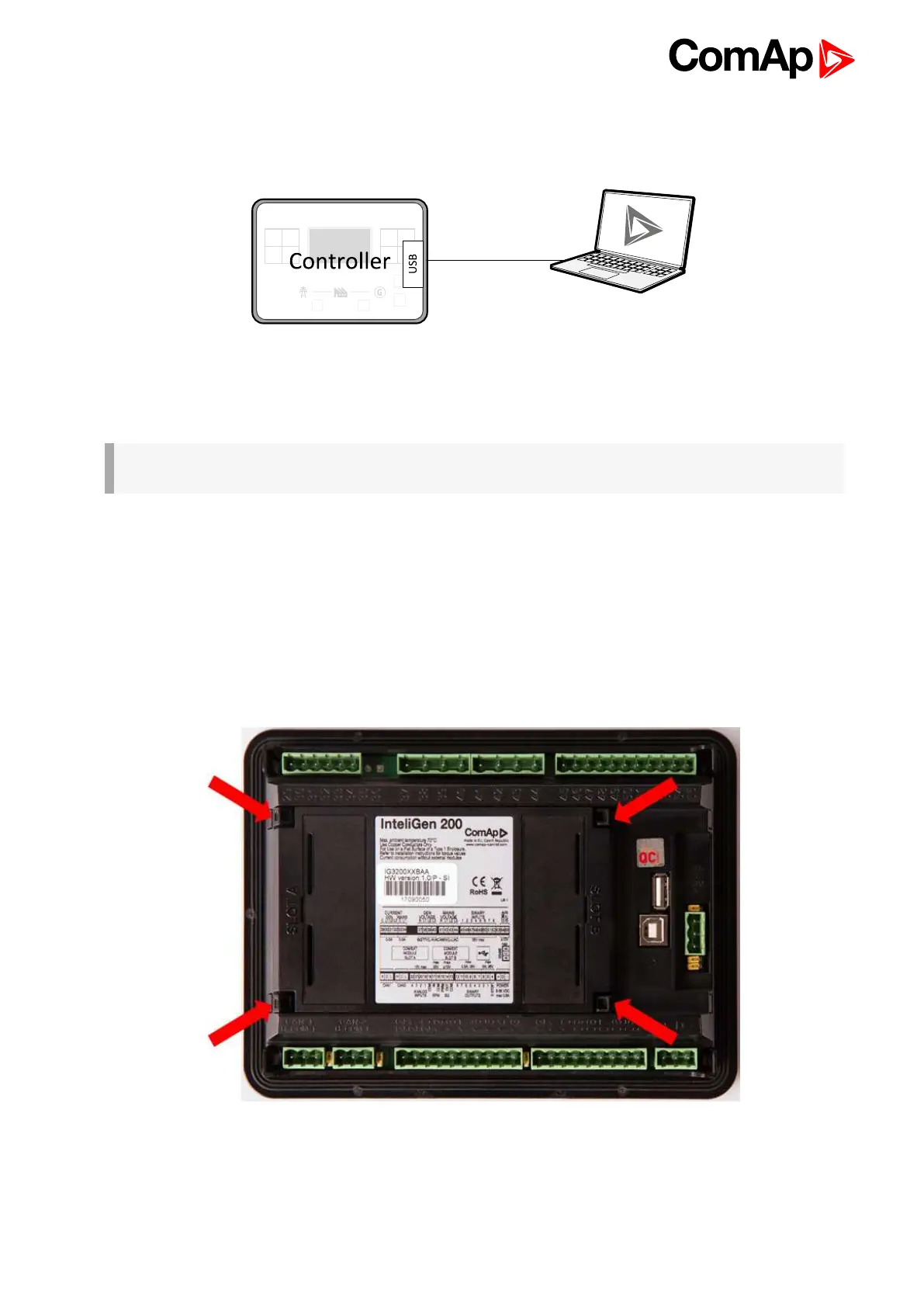
This is required for computer connection. Use the shielded USB A-B cable.
Image 4.17 USB connection
Controller can by also power by USB (only for service purpose like a uploading firmware, change of
configuration etc.).
IMPORTANT: Power supply by USB is only for service purpose. Binary inputs and outputs are in
logical 0. Also plug-in modules are not working.
4.4.9 USB HOST
USB Flash Drive can be connected into USB A connector.
4.5 Plug-in module installation
4.5.1 Installation
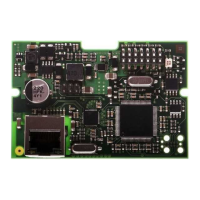
Remove the back cover. To do this, press four holders which are located in corners.










 To Next Page