October, ‘03 Comdial 105
DX-80 Installation & Maintenance
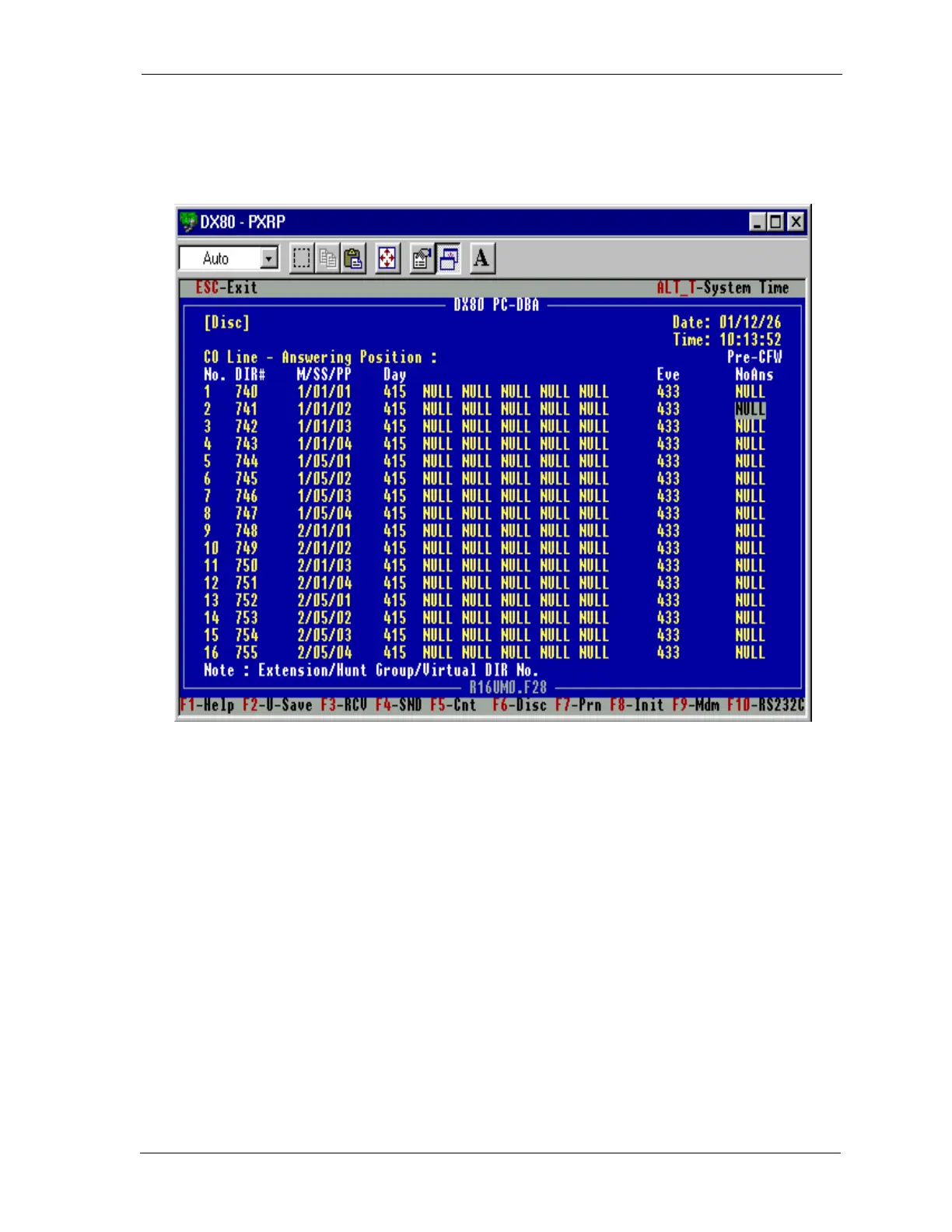
2. Set up the CO line Answering Position.
• Make the following UCD Group the only Destination for Day / Eve, and
• Set Pre-CFW NoAns to NULL.
4.6.1 INSKIN VOICE MAIL
If you use UCD groups 6 through 23, you do not have to modify TRANS.TXT unless you want a spe-
cific routing box or mailbox to answer.
If you use UCD group 1 through 5, you must modify the TRANS.TXT to route the integration to the
proper Routing Box/greeting desired.
Example (PC8):
UCD Group 1 (410) will re-route to Voice mail with the string; a9b2d13. The line in the TRANS.TXT
currently reads:
a9byd13=3301
Modify this line to read:
a9byd13=9
and make sure the initial routing box destination for digit 9 is the routing box’s extension number.














 To Next Page