October, ‘03 Comdial 97
DX-80 Installation & Maintenance
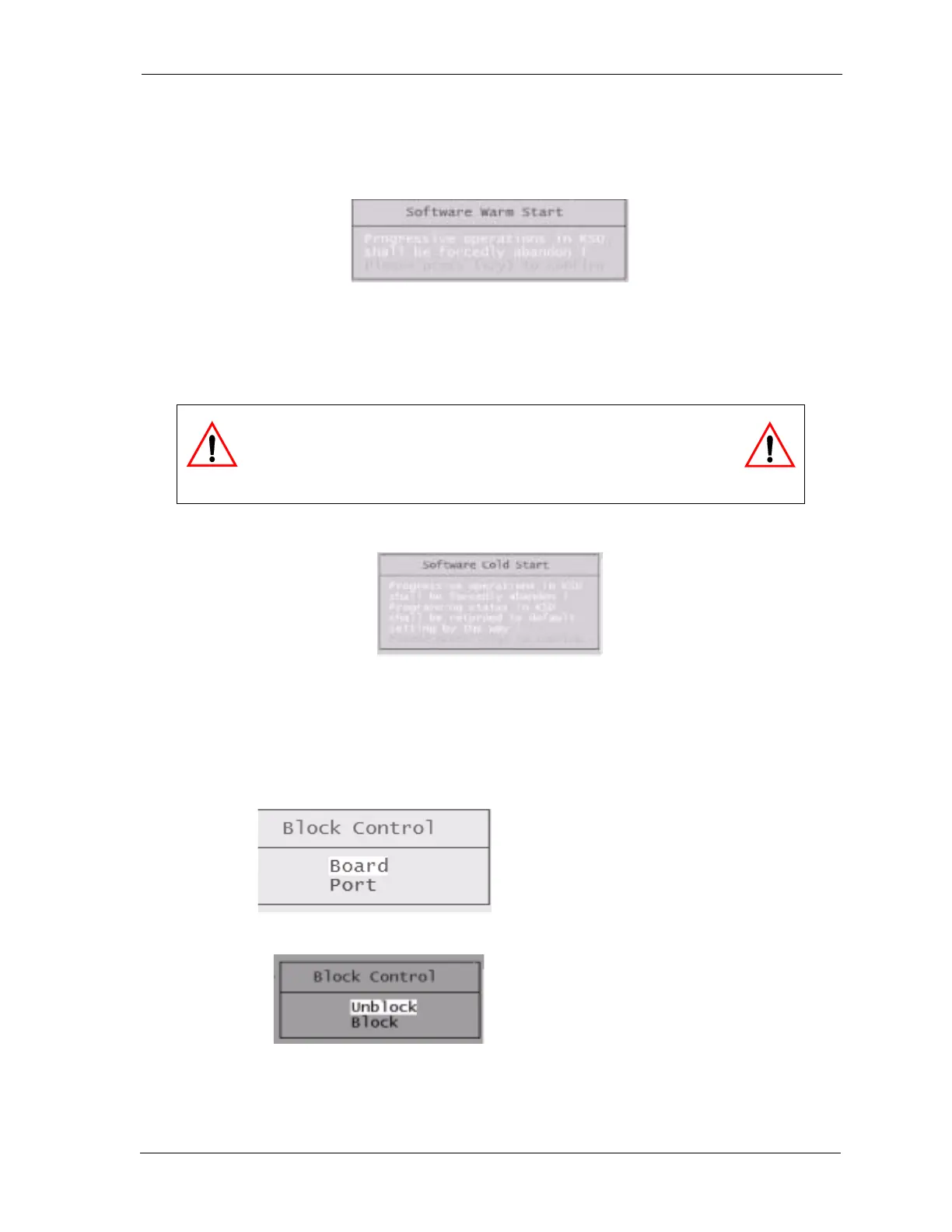
3.6.8 SOFTWARE WARM START
Use Software Warm Start to cause the system to restart operations. This operation requires confir-
mation since all calls in progress will be disconnected.
3.6.9 SOFTWARE COLD START
Use Software COLD Start to cause the system to restart operations and reload default customer
database data.
3.6.10 BLOCK CONTROL
You can use Block Control to restrict access to certain system resources for the purposes of trouble-
shooting, e.g. you might block a CO line from use in order to test the circuit while avoiding user
access to the CO line circuit. To use Block Control, you must know the cabinet number, board/module
number and port number.
CAUTION
This operation requires confirmation since all calls in progress will be
disconnected and the current database will be erased!
Block Control can be used to
block access to a board or a port.
The specific board/module and/or
port number must be known.
When a port or board is blocked,
it must be Unblocked to regain
access to the resource.














 To Next Page