Maintenance and Trouble Shooting
80 Comdial October, ‘03
3.5.4.6 F5 - Connect
This function key is used to send a connection request to the system for linking the PC to the DX-80
system.
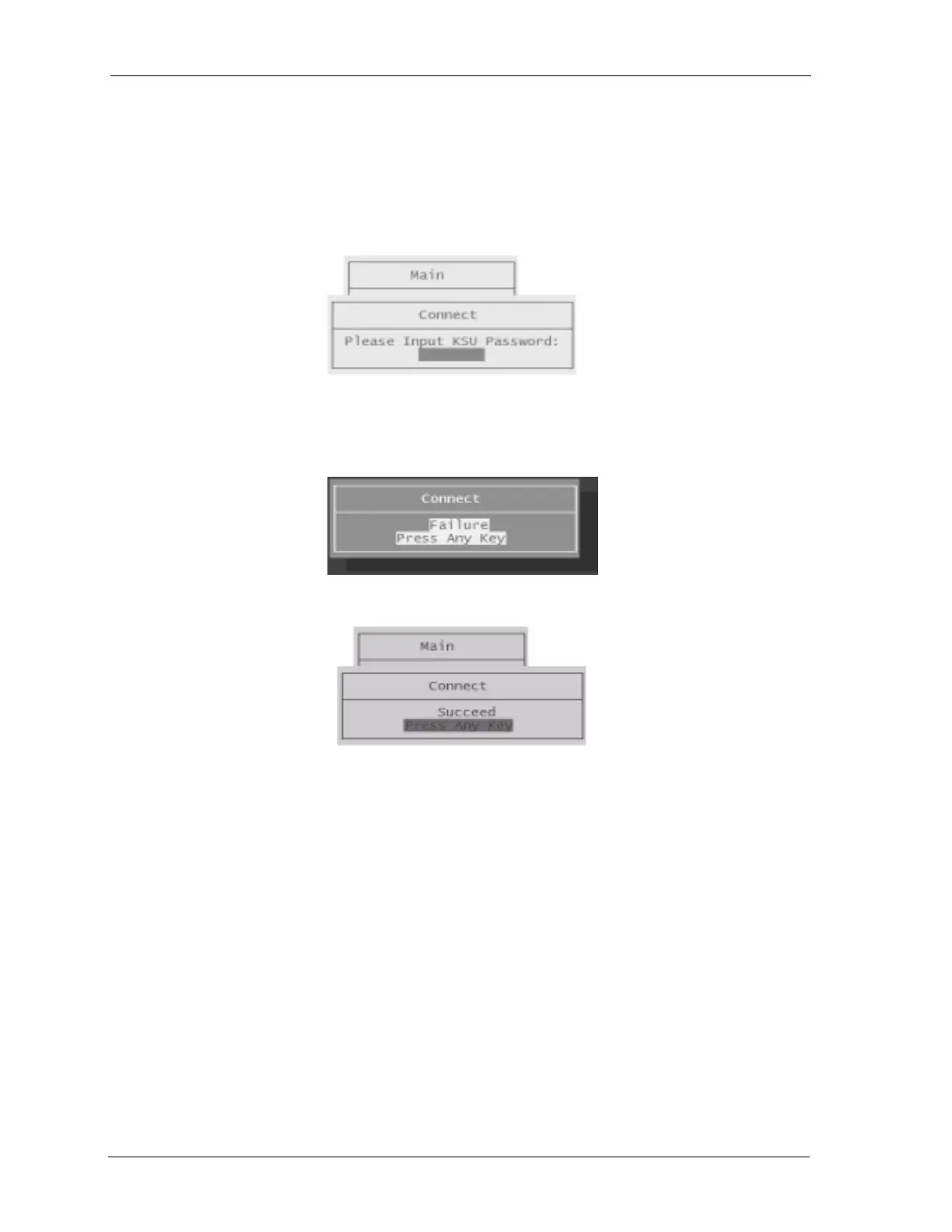
1. Press the F5 function key and you will see the following Connect prompt if the PC is communi-
cating with the DX-80.
2. Using your keyboard, type in the password. (At default this password is “_ _ _ _ _ _ _ _” (Eight
spaces —press the space bar eight times). If you enter the wrong password, or have a poor con
-
nection, the following error screen will appear.
3. If successful, confirmation is given via the following screen:
4. Press any key to return to the PC-DBA Maintenance screens.














 To Next Page