Maintenance and Trouble Shooting
78 Comdial October, ‘03
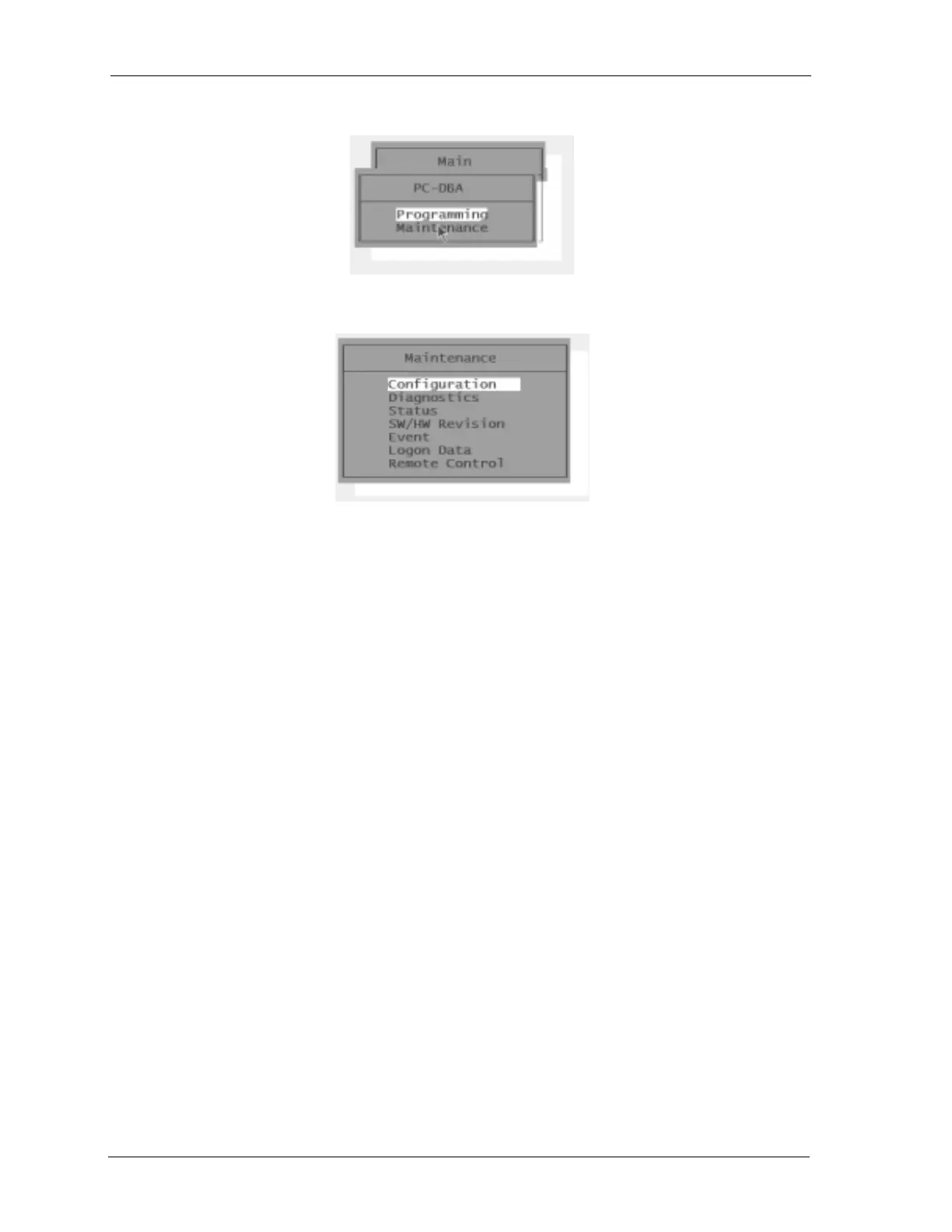
3. Press the Enter key to enter PC-DBA. The system displays the PC-DBA menu.
4. Use the arrow keys to select Maintenance and then press Enter. The system displays the Main-
tenance screen.
3.5 Communicating with the System
All operations in PC-DBA – Maintenance require you to connect to the DX-80 switch. You can do this
in three ways:
• a direct connection to the KSU1 – CPM – PC-DBA port,
• using the optional system modem (PN 7249), or
• using the built-in modem of the in-skin voicemail module with pass-through communications
enabled.
Once you establish a data communications link, you can connect to the system by pressing the F5 key
Connect. This connect operation links PC-DBA to the DX-80 processor for data exchange.
3.5.1 CABLE
Connect to the DX-80 system on site via the PC serial port (COM port). Use a straight-through, 9-pin
to 9-pin, Male/Female cable from the PC serial port to the DX-80 CPM – PC-DBA port. Once you
make this connection, you can connect to the DX-80 system processor for the various Maintenance
operations.
3.5.2 OPTIONAL SYSTEM MODEM
This connection method can be used while off-site. For more details on modem use with the DX-80,
see
Section 3.5.4.10, F9 - Mdm. For instructions on connecting to the switch using a modem, see
Section 3.5.5, Establishing a Modem Connection.














 To Next Page