Installing the DX-80
56 Comdial October, ‘03
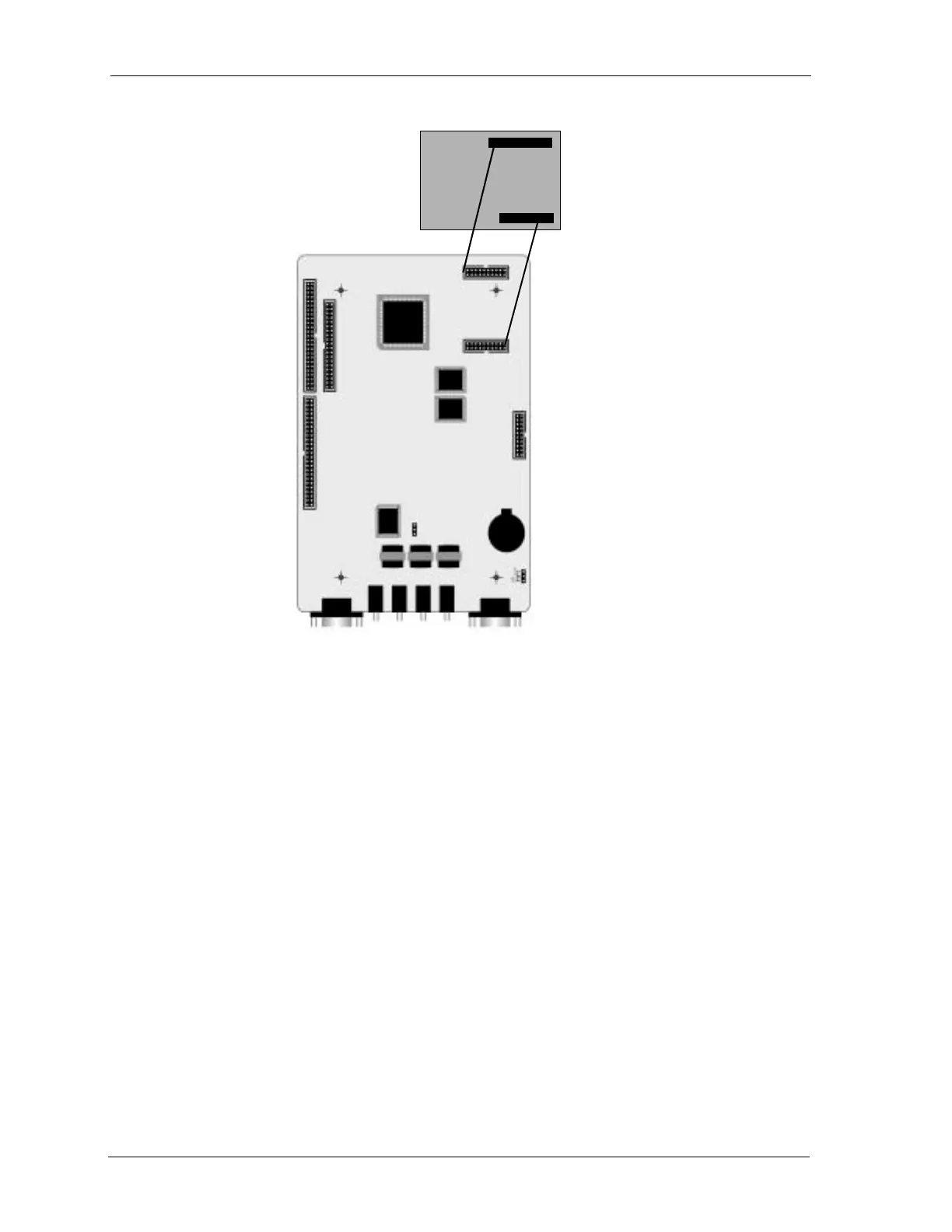
6. Press firmly (but not forcefully) on the MDM to secure a good connection into the CPM-MDM
connectors.
7. Replace the KSU cover and secure with cover screws.
8. Restore KSU power.
2.11 Adding an AAM
You can add one AAM to the KSU1. The AA Module adds automated attendant functionality to the
DX-80 system with 10 integrated announcements. The AAM does not provide voice mail functions.
For details on how to program the AAM and its announcements, refer to the DX-80 Technical Manual,
Volume II, Programming.
Install the AAM onto designated connectors located on the CPM.
To install the AAM perform the following steps.
1. Be sure that the entire system is turned off.
2. Remove the KSU cover (four screws at each corner).
3. Connect a static discharge wrist strap to a suitable earth ground. Be sure that the strap is touch-
ing bare skin.
CPM
MDM














 To Next Page