October, ‘03 Comdial 57
DX-80 Installation & Maintenance
4. Locate the CPM at the right-hand side of KSU1 above the 408M (and COM4 if installed).
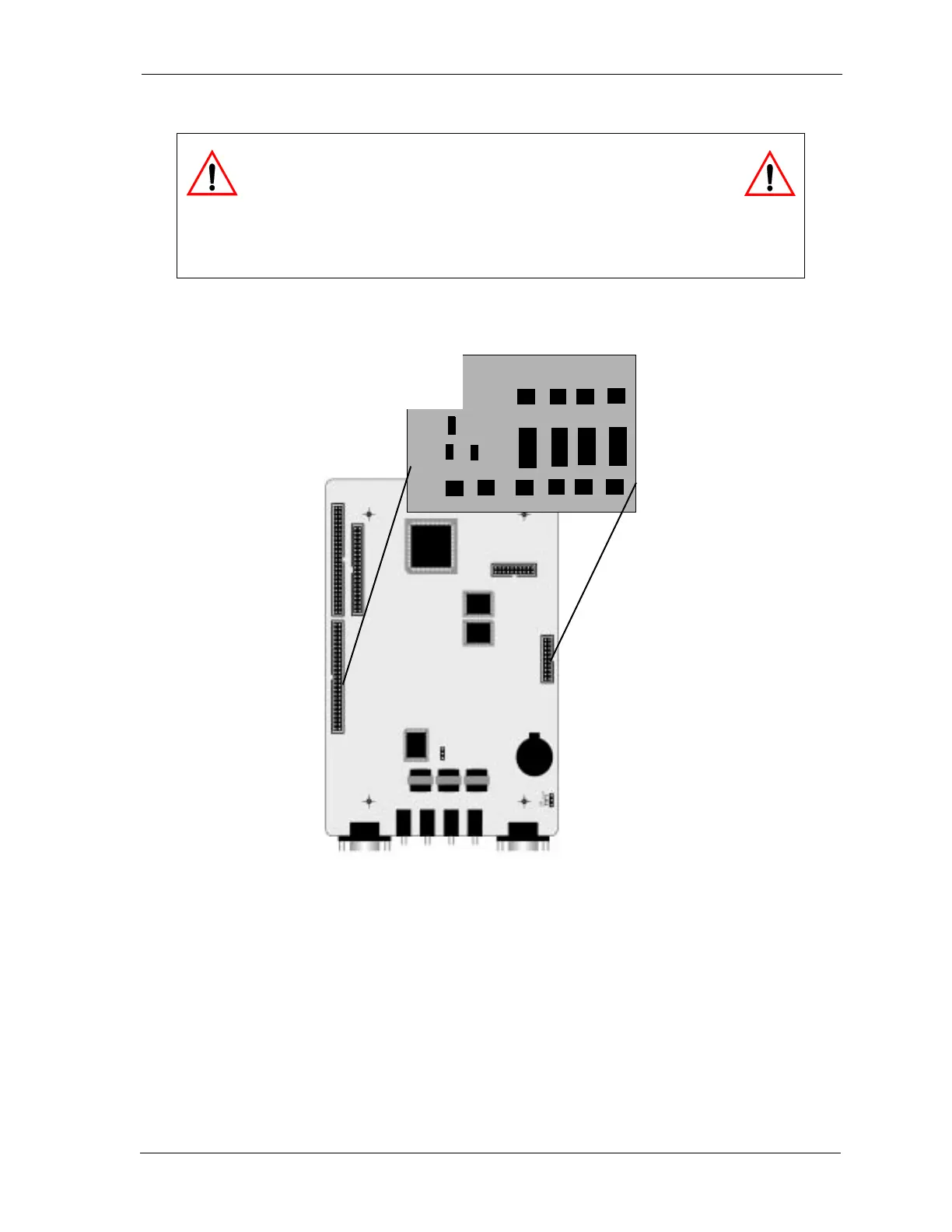
5. Position the AAM over the CPM-AAM connectors as illustrated in the following diagram.
6. Press firmly (but not forcefully) on the AAM to secure a good connection into the CPM-AAM
connectors.
7. Replace KSU cover and secure with cover screws.
8. Restore KSU power.
WARNING
Circuit boards are susceptible to damage caused by electrostatic
discharge. You must keep this in mind as you handle the circuit
boards. Refer to Comdial publication IMI01-005, Handling of Electrostatically
Sensitive Components, for details.
CPM
AAM














 To Next Page