October, ‘03 Comdial 113
DX-80 Installation & Maintenance
1. Place line 4 (743) into CO group2 (800).
2. From the Fax machine, go off hook and dial 800 (be sure you are accessing line 4). Then dial a
valid number. You must dial out on that line /(line group) before programming the hot line (dial
740 for line 1, 741 for line 2, 742 for line 3 etc.…).
3. Program a System Speed dial bin with a pause. To do this, you can use PCDBA or program
using the phone.
Using PCDBA
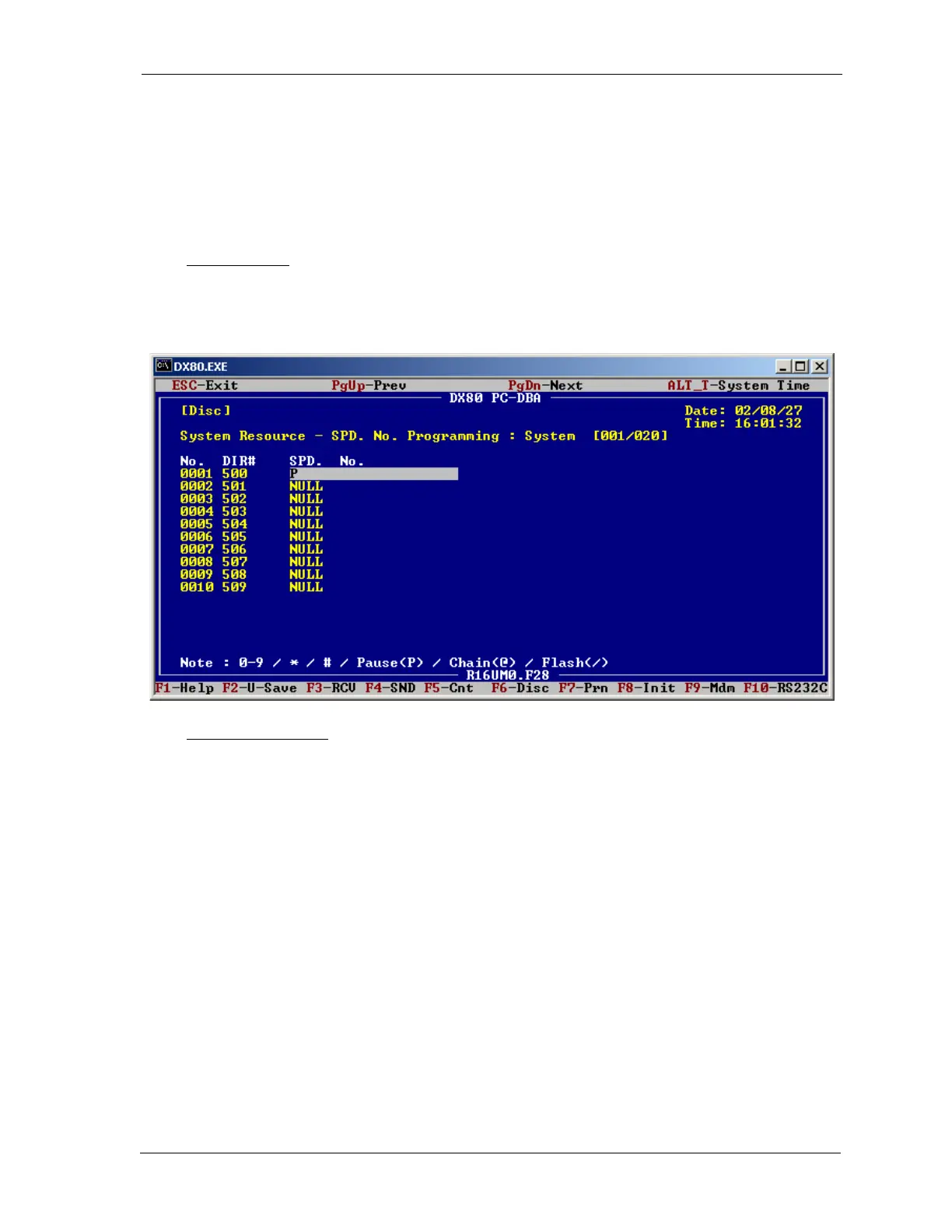
Go to the DX80 PC-DBA System Resource SPD. No. Programming Tenant 1screen in
PCDBA. Choose a system speed dial bin (DIR#s 500-699), and insert a P for pause in its SPD.
No. field.
Using the Telephone
Dial into the programming mode and enter the following commands.
FEATURE # *
Enter the password. The default is ########.
Show
04-09-1 [Tenant 1]














 To Next Page