October, ‘03 Comdial 51
DX-80 Installation & Maintenance
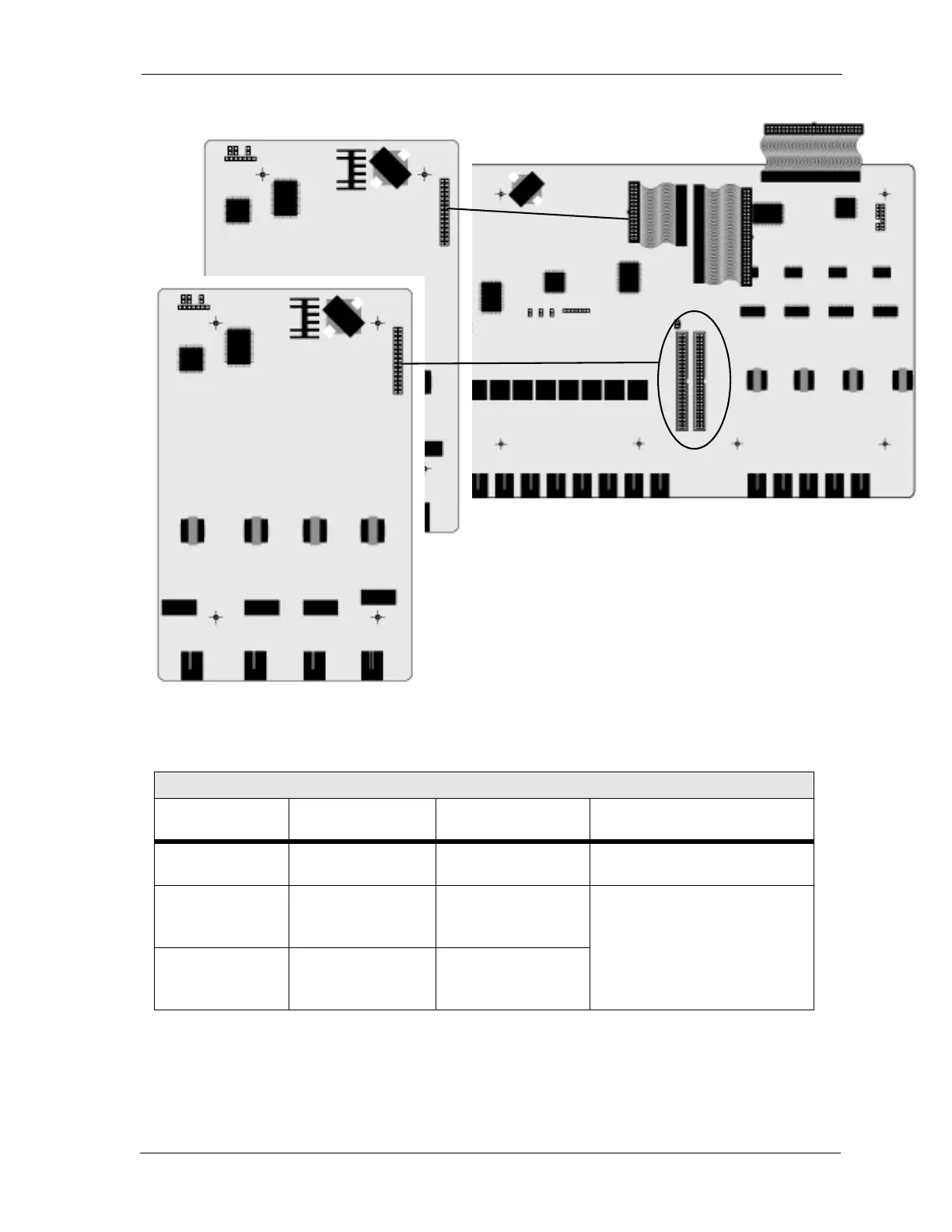
To install the APM4 perform the following steps.
1. Be sure that the entire system is turned off.
2. Remove the KSU cover (four screws at each corner).
Extension Number Matrix Per Installed Location
KSU Connector
used
Extension numbers
in KSU1
Extension Numbers
in KSU2
Notes
APM4 Connector
(SLOT 4)
149,150,151,152 153,154,155,156 KSU1 analog ports are standard
J2 Extension
Expansion
(SLOT 2)
109,110,111,112 133,134,135,136 Since the profile of the APM4
module is higher than the other
modules, only one Extension
Expansion connector can be
used for APM4 modules.
J3 Extension
Expansion
(SLOT 3)
117,118,119,120 141,142,143,144
APM4
APM4
408M














 To Next Page