Maintenance and Trouble Shooting
88 Comdial October, ‘03
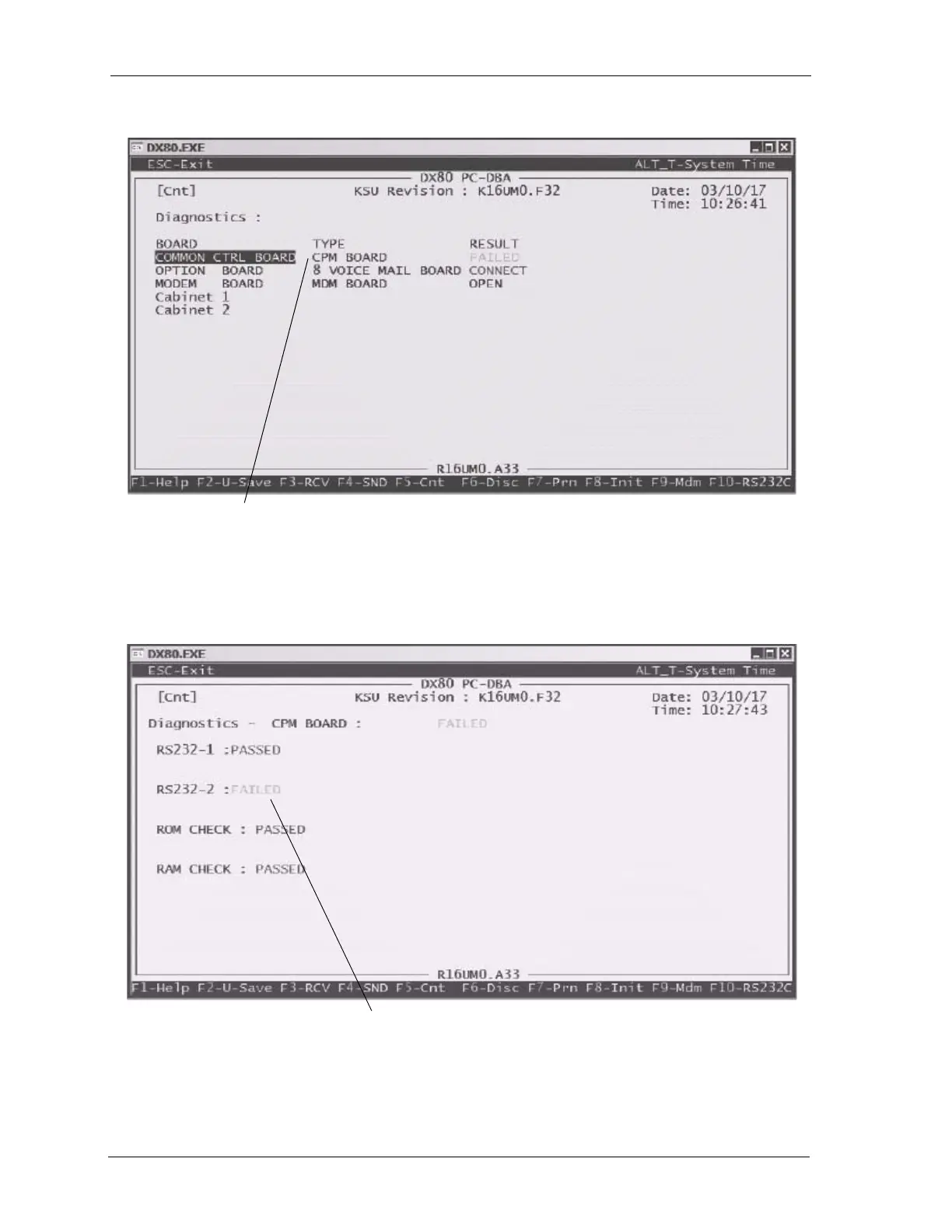
3. Move the cursor to any board/cabinet and press Enter to get details of that board or cabinet.
In this example, the CPM board is reporting a
failure. The next screen will further define this
failure.
Also notice that the Voice Mail board is show-
ing a result of CONNECT. Since the Voice
Mail board is an independent system, only
Connect or Disconnect is reported.
As seen in the previous example, the CPM failed the diagnostic test. By selecting the CPM
board, the system shows you that the failure is associated with the second RS232 port. This is a
typical indication that there is nothing connected to the port.














 To Next Page