1
Chapter 4 Troubleshooting Guide
4.1 Introduction
The troubles we list in this chapter frequently raise difficulties regarding the patient monitor and the actions we
recommend can correct most problems, but not all of them. For more troubleshooting information, contact our
service department.
4.2 Part Replacement
PCBs, Major parts and components in the patient monitor are replaceable. Once you isolate a PCB you suspect
is defective, follow the instructions in “Assembly and Disassembly” to replace the PCB with a known good one
and check whether the performance of the monitor is restored. If the trouble remains, exchange the replacement
PCB with the original suspicious PCB and continue troubleshooting as directed in this chapter. A defective PCB
can be sent to us for repair.
4.3 Patient Monitor Status Check
Some troubleshooting tasks may require you to identify the hardware version and status of your patient monitor.
4.4 Software Version Check
Some troubleshooting tasks may require you to identify the configuration and software version of your patient
monitor.
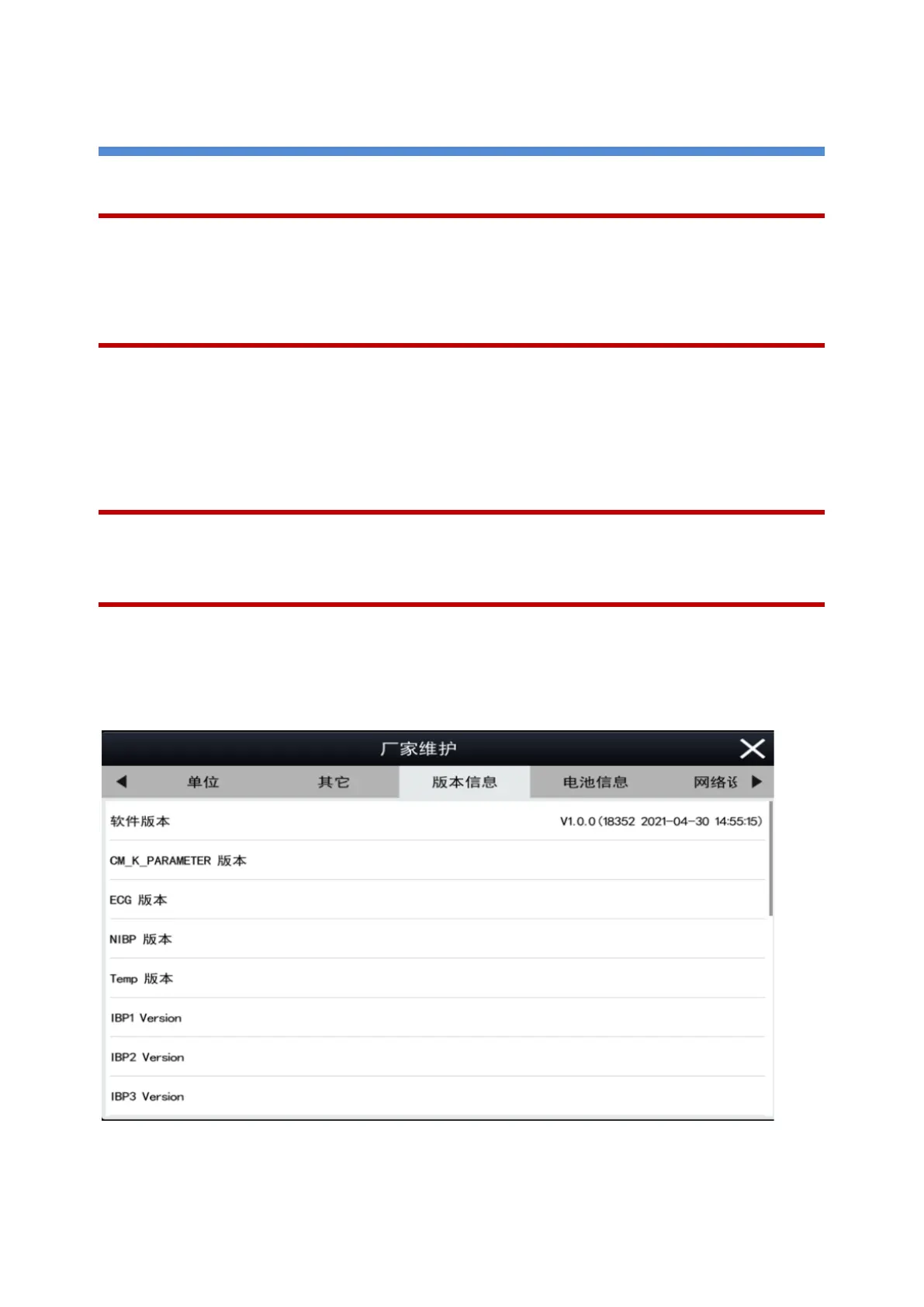
To view information on the system configuration and system software version: Select Main Menu - Maintenance
- [Input Password: 2016] - Version Info after powering on and completing the self-check, you can view the
system software version and parameter version.



 To Next Page